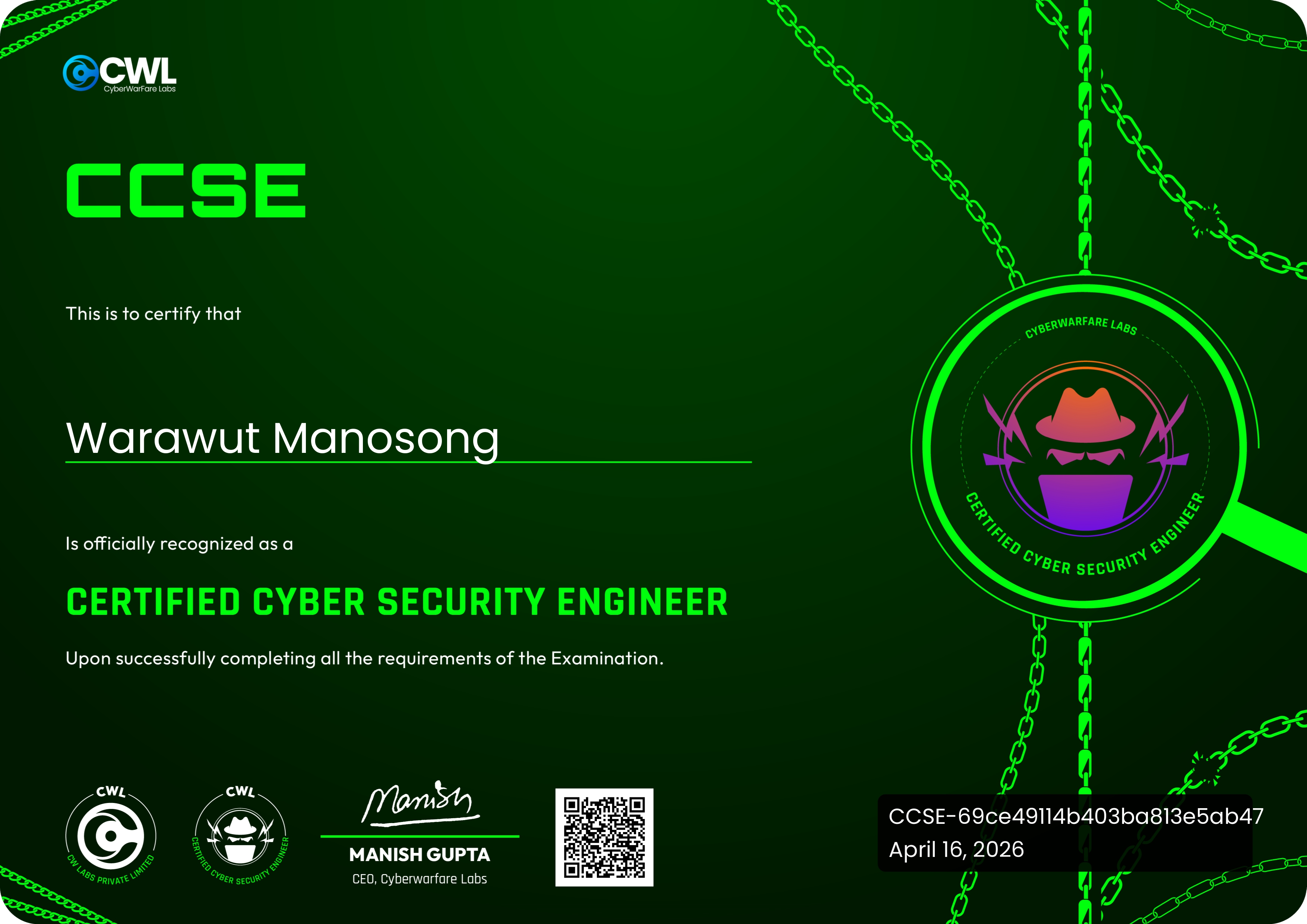
CyberWarFare Labs — Certified Cyber Security Engineer (CCSE) — My Experience and Review
Hello everyone, it's me, Chicken0248, back again with another course and exam I just passed: the Certified Cyber Security Engineer (CCSE) certification from CyberWarFare Labs. The name is pretty broad and doesn't tell you much about what's inside, so if you're curious about what the course covers and what the exam is like, stay tuned, I'll break it all down in this post.
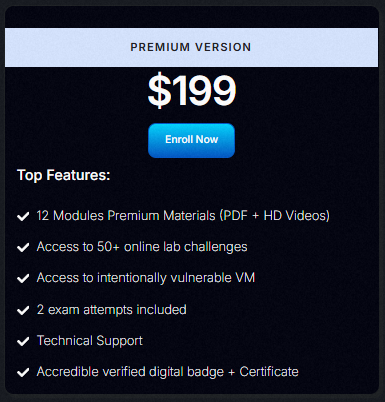
First, let's talk about the price. The CCSE course and exam come bundled at $199, but CWL occasionally releases discounts. During their latest anniversary event, you could grab it for just $49, incredibly cheap for everything it has to offer.
From the screenshot above, you can see that once you purchase the course, you get access to 12 modules of video content and course materials, along with 50+ online lab challenges.
It also comes with 2 exam attempts, which we'll cover in the exam experience section.
After purchasing, you'll be granted access to the CCSE course at labs.cyberwarfare.live, where you can find everything from study materials and lab access to exam booking.
With that out of the way, let's jump into the next section and dig into what the course actually teaches.
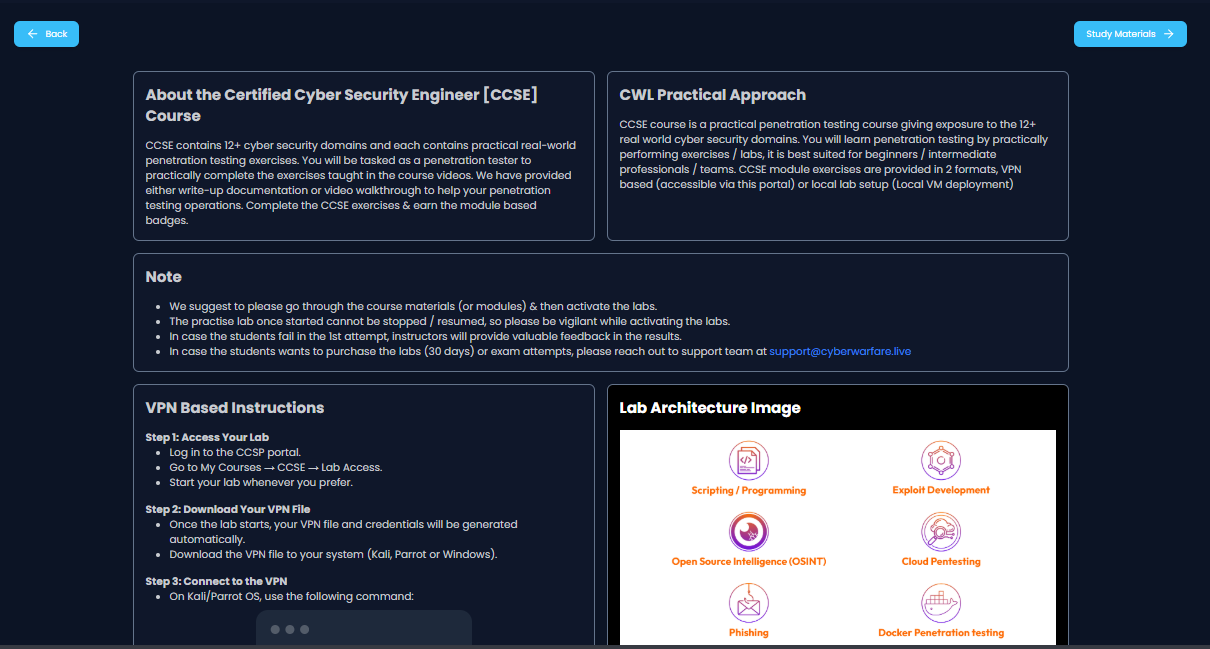
CCSE contains 12+ cyber security domains and each contains practical real-world penetration testing exercises. You will be tasked as a penetration tester to practically complete the exercises taught in the course videos. We have provided either write-up documentation or video walkthrough to help your penetration testing operations. Complete the CCSE exercises & earn the module based badges.
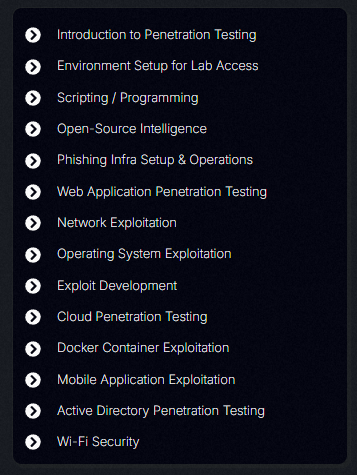
This is what CWL claims about their course, and as you can see, it's firmly focused on penetration testing, making this more of a red teaming certification. It covers a wide range of domains, including OSINT, Phishing, Network, Web, Cloud, Docker, Mobile, Active Directory, and even Wi-Fi. That breadth is exactly what made me uncertain about how all of these topics could realistically be tested in an exam, and it's honestly what made me hesitate to take it for nearly a year.
The course covers various interesting topics, including:
- Basic scripting for IP-to-geolocation lookups and Wi-Fi password dumping
- OSINT techniques: Google Dorking, finding exposed credentials with TruffleHog, and more
- Setting up a phishing infrastructure with GoPhish
- Web vulnerabilities and attacks: XXE, SSTI, File Inclusion, SQLi, RCE, XSS, CSRF, IDOR, parameter injection, and OAuth attacks
- Network pentesting: SSH, SMB, SNMP, RDP, FTP, WinRM, LDAP, SMTP
- Network pivoting techniques
- Windows and Linux privilege escalation, credential dumping and cracking, persistence, and data exfiltration
- Exploit development (Buffer Overflow)
- Basic cloud pentesting for AWS S3, Azure Blobs, Entra ID, and a little GCP
- Docker escape with various techniques
- Mobile app pentesting (APK analysis, Android device rooting, SSL pinning, etc.)
- Active Directory attacks
- Wi-Fi pentesting (WEP, WPA2, WPA3 cracking, MitM attacks, and rogue access points)
And now you know why I was hesitant. The scope is enormous, and I was genuinely worried I'd fail if the exam heavily tested Cloud, Mobile, or Buffer Overflow topics. But don't worry, just learn as much as you can, because as you'll hear in the exam experience section, it's nowhere near as intimidating as it initially seems.
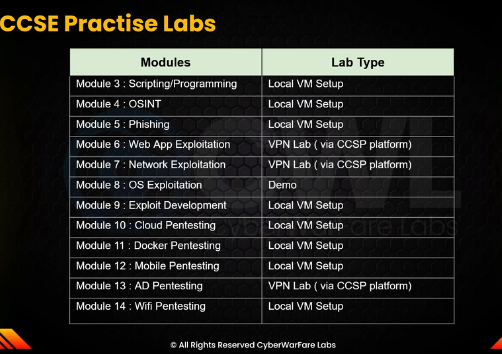
Now, onto the labs. Every module has its own labs, and CCSE offers two types as shown above: a Local VM Setup, where they provide a VM image for you to deploy locally, and a VPN Lab, which requires you to generate a VPN configuration to access the remote lab environment.
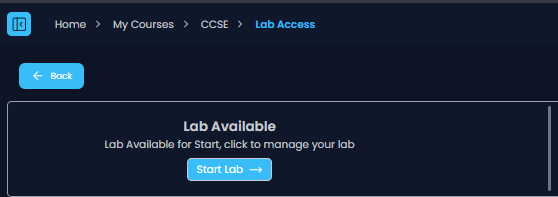
To start the VPN Lab, head to the "Lab Access" section and click "Start Lab" to generate your VPN configuration. Keep in mind that once you generate the configuration file, the 30-day countdown begins immediately and cannot be paused.
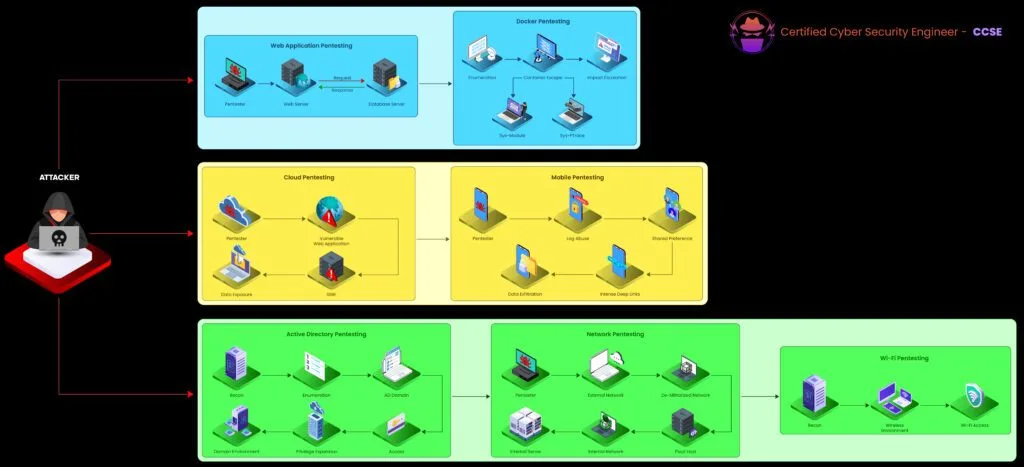
The VPN Lab infrastructure includes a web pentesting environment, a network pentesting environment, a Docker pentesting environment, and a small cloud pentesting environment.
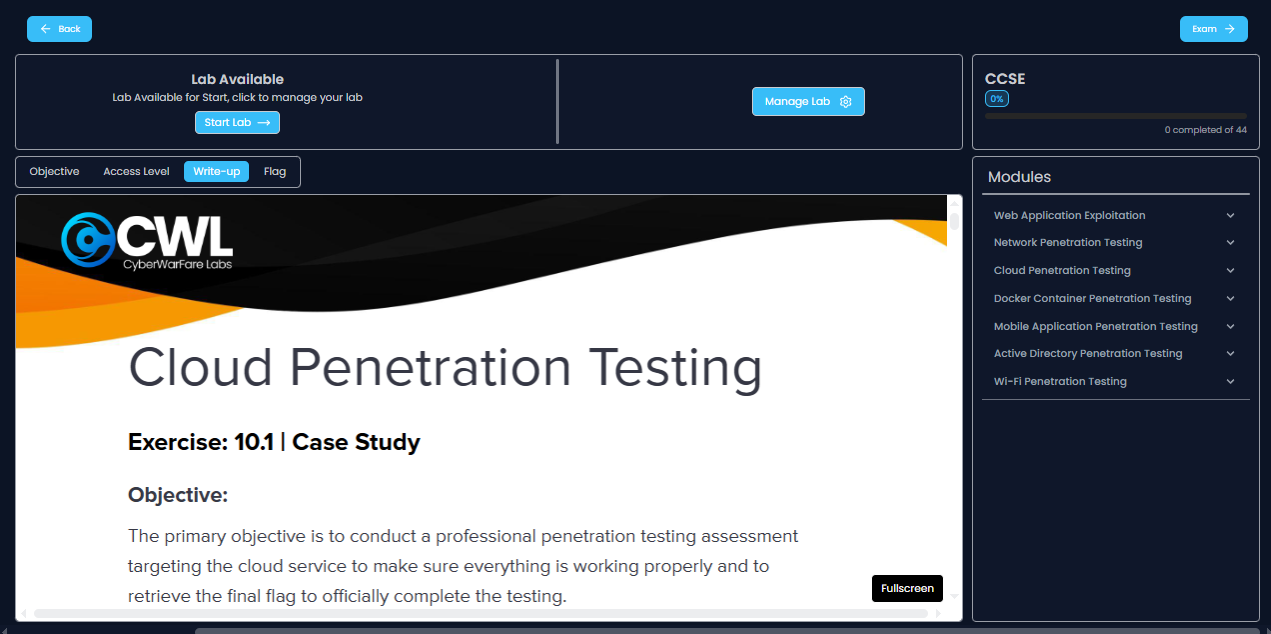
Some of the local and VPN labs also come with associated write-ups, so you can refer to them to understand the intended approach, expand your knowledge, and fill out your cheat sheet.
There's not much more to add about the course and labs, so let's move on to the next section.
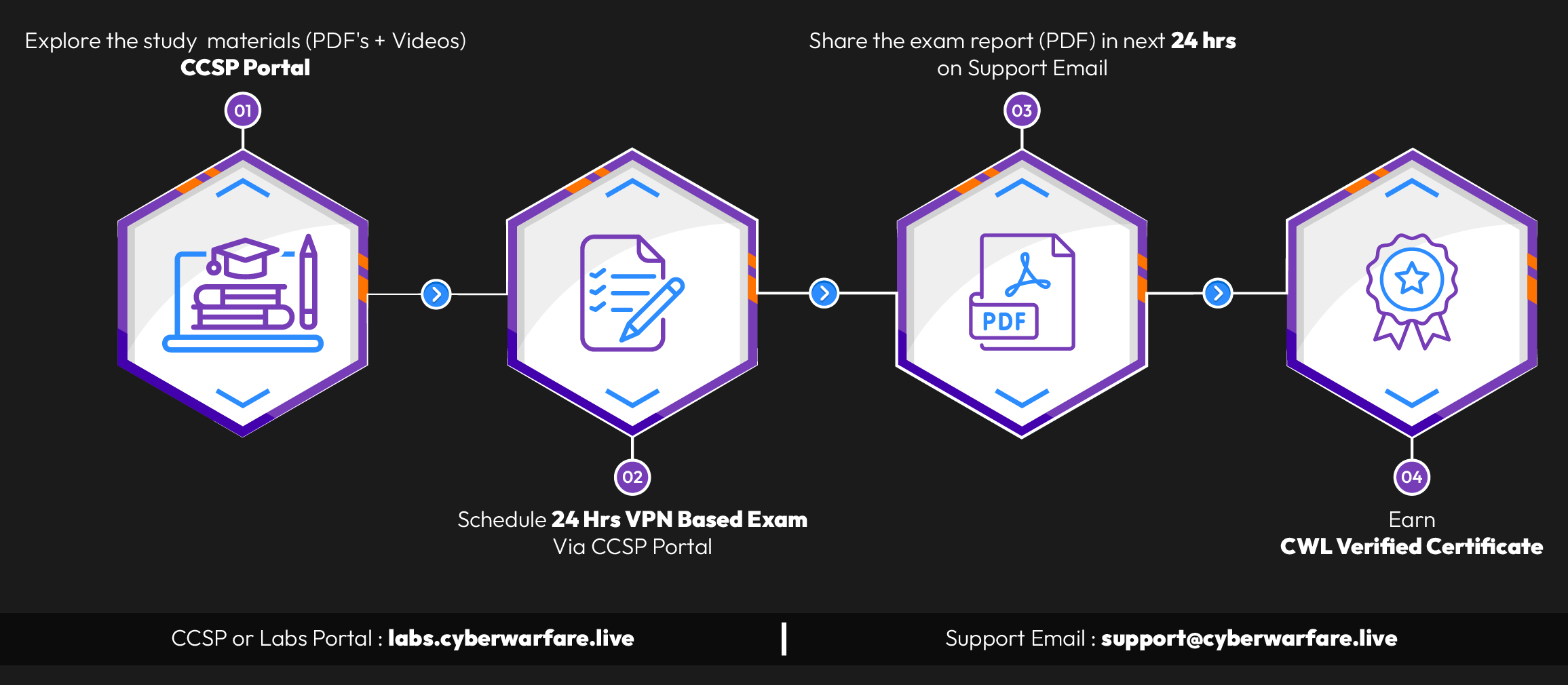
To earn the CCSE certification, you need to book your exam through the CCSP Portal and complete it within 48 hours. The first 24 hours are dedicated to the hands-on exam environment: you'll download a VPN configuration file, connect to it, and conduct your engagement. Once that window closes, you have an additional 24 hours to write and submit your exam report. If you successfully complete the exam objectives and clearly document them in your report, you'll qualify for the certification.
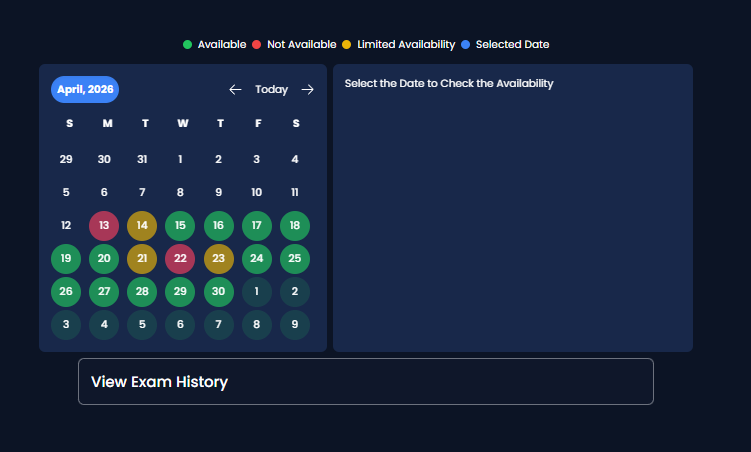
To book the exam, head to the "Exam" page: you'll see an interface similar to the screenshot above. You can schedule your exam up to 30 days from the current date, so if you're booking on April 13th, you can choose any date up to May 13th.
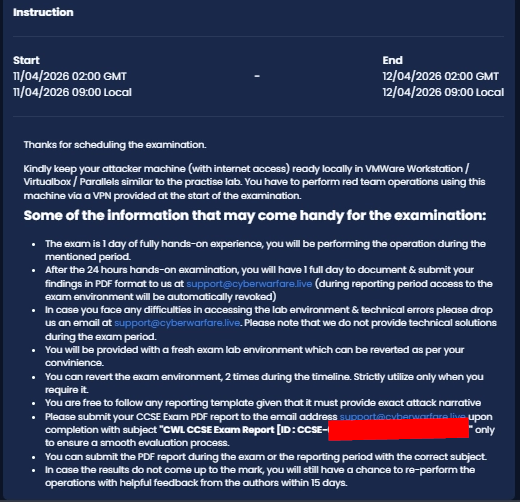
A friend of mine had taken this exam before and reassured me that it wasn't as broad or difficult as the course content might suggest, which finally convinced me to go for it. I scheduled my exam for April 11th, 2026, with a plan to finish everything (hacking and report writing) within the first 24 hours while the exam environment was still accessible.
Writing the report while you still have access to the environment is a key strategy. You can revisit the machines at any time during that window to capture clean screenshots, re-run commands, or verify findings before including them in the report.
Once your exam is booked, the portal will also display additional exam details, including submission instructions and a reminder of the 24-hour hands-on window followed by the 24-hour reporting period.
On April 11th, I woke up a bit late, but it was still manageable. I logged back into the CCSP portal and found that my 24-hour hands-on timer had already started. I downloaded the OpenVPN configuration file, connected to the exam environment, and read through the exam instructions: covering the objective, scope of engagement, and what was expected.
To put it simply: you're given a network range as your starting point. The goal is to obtain a secret flag located on the final endpoint in that range, which also requires you to achieve the highest privilege level on that machine before you can read it.
After enumerating for a while, I found the initial access point, which led me to compromise the first endpoint. From there, everything progressed smoothly until I captured the final flag. One important note: since the scope is strictly within the exam environment, OSINT and Cloud are considered out of scope. The exam is very manageable if you've gone through the course material and taken good notes.
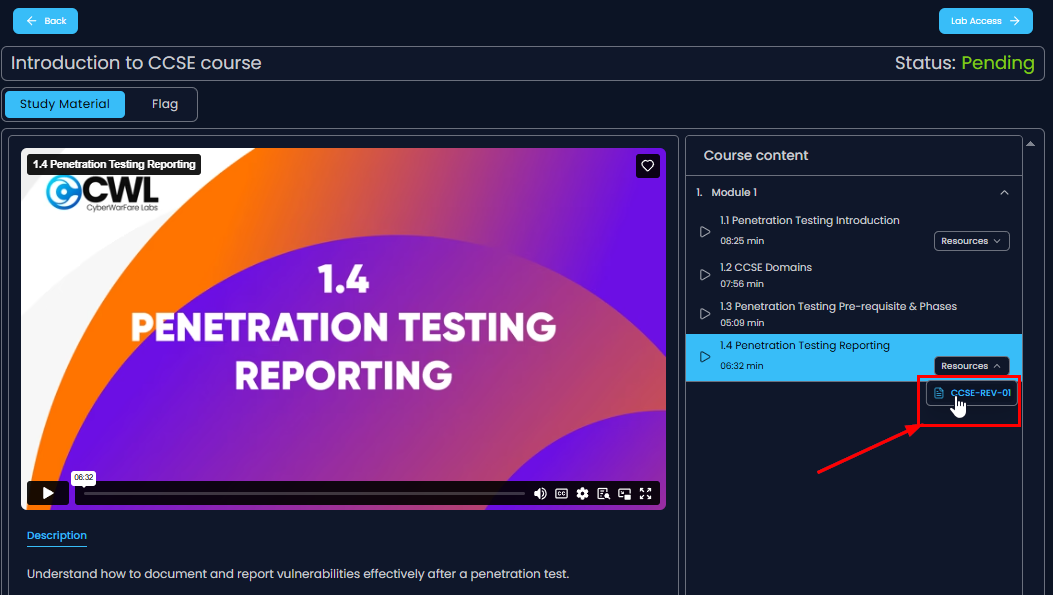
As for the report template, CWL provides one in the introductory course materials, so I downloaded it. What's interesting about this template is that it's close to a client-ready format: it blends a write-up style with a structured findings report, making it a solid foundation to build your submission around.
I finished writing my report within the first 24 hours and submitted it to the support email using the subject line specified on the exam page.
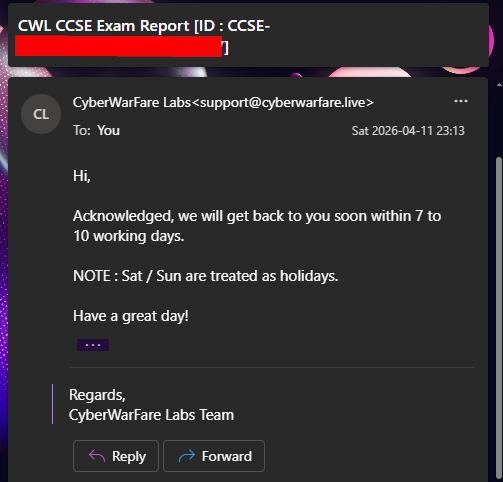
After submitting your report via email, CWL will send an acknowledgment email confirming they received it and letting you know they'll get back to you within 7–10 working days.
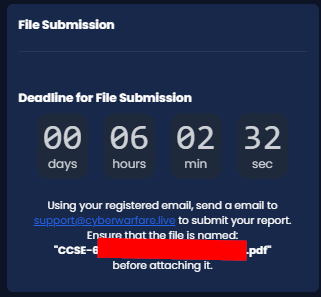
The screenshot above shows the countdown timer after the first 24-hour hands-on window has expired. One thing I'd love to see CWL improve is a dedicated report submission portal: it would make the process much smoother and eliminate the risk of forgetting to attach the report to the email.
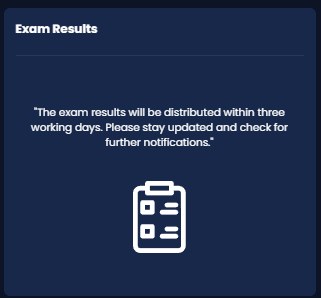
And here is what the portal looked like once the countdown ended.
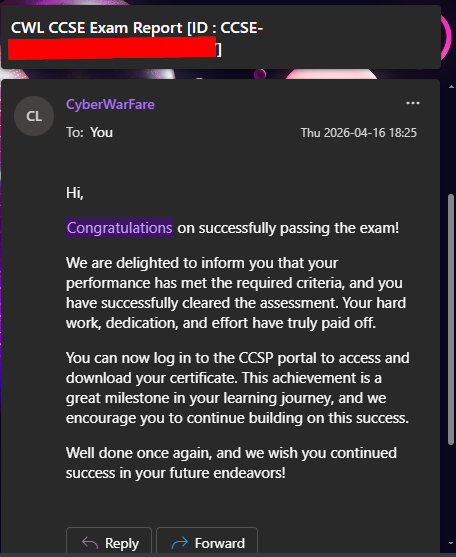
Five days later, on the evening of April 16th, 2026 (right after Thailand's Songkran holiday), I received an email with the exam result. I passed.
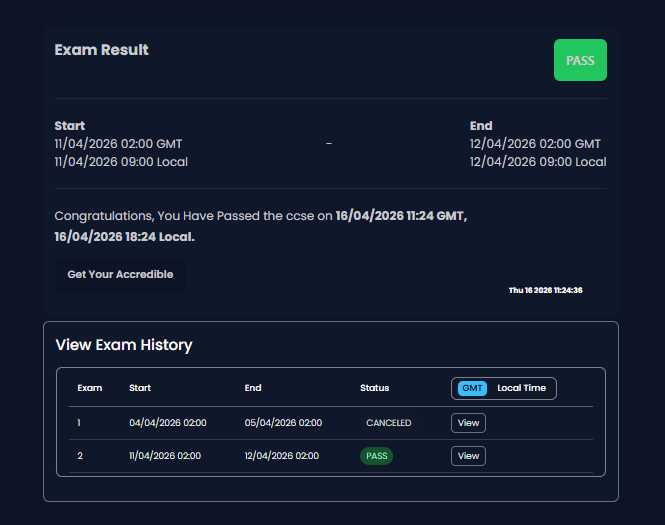
To claim your certificate and digital badge from Accredible, log back into the portal, head to the Exam page, and click "Get Your Accredible."
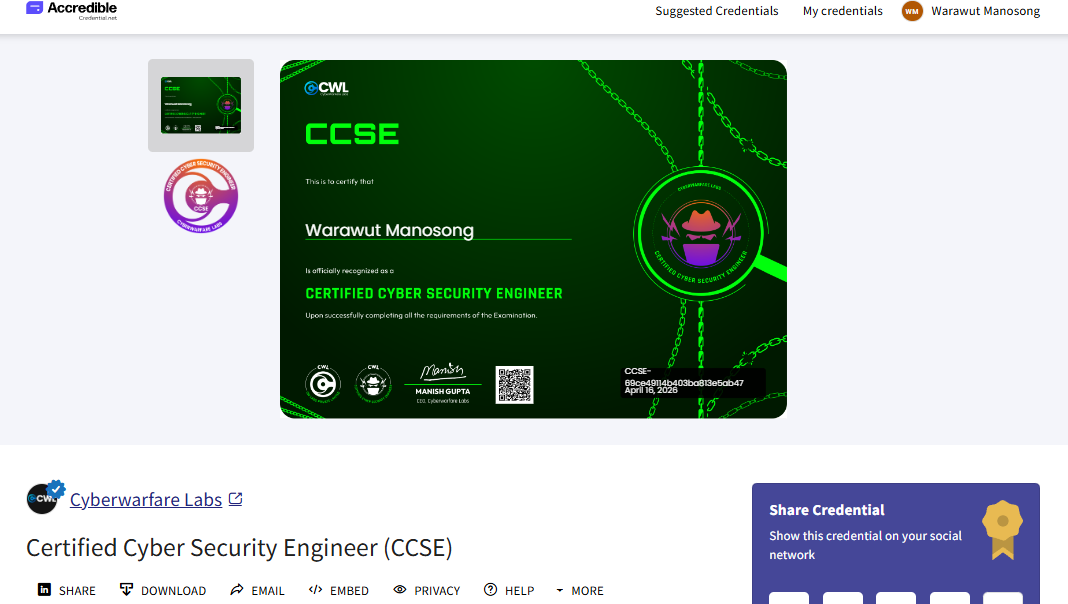
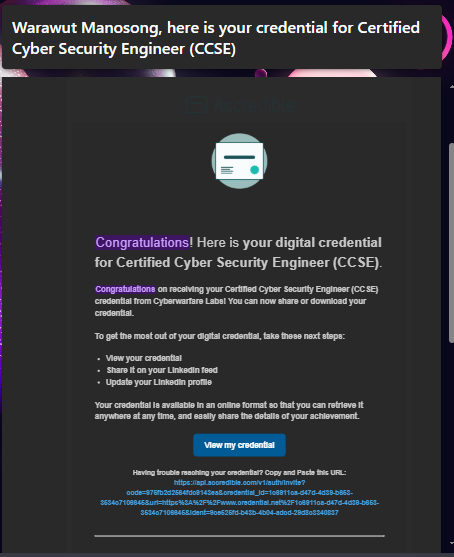
Once you do that, the Accredible badge and certificate will be assigned to your account. You can view them directly from the exam page, or check your inbox for a confirmation email sent from Accredible.
That's it for the exam experience.
- The course covers a wide range of penetration testing topics, from web and network to cloud and Wi-Fi.
- Focus on Docker escape, web exploitation, network attacks, and Active Directory for the exam.
- The exam is 48 hours total: 24 hours for hands-on hacking and 24 hours for report writing and submission.
- Learn network pivoting: you may not always need it, but it can make your life significantly easier.
- Use CWL's provided report template; it's well-structured and practically client-ready.
- The objective is to obtain a secret flag with the highest privilege on the final endpoint: you'll identify which one it is naturally as you progress.
- Do the VPN labs. You will almost certainly use at least one technique from them during the exam.
That's it for this blog. Thank you all for reading!
Peace ✌️