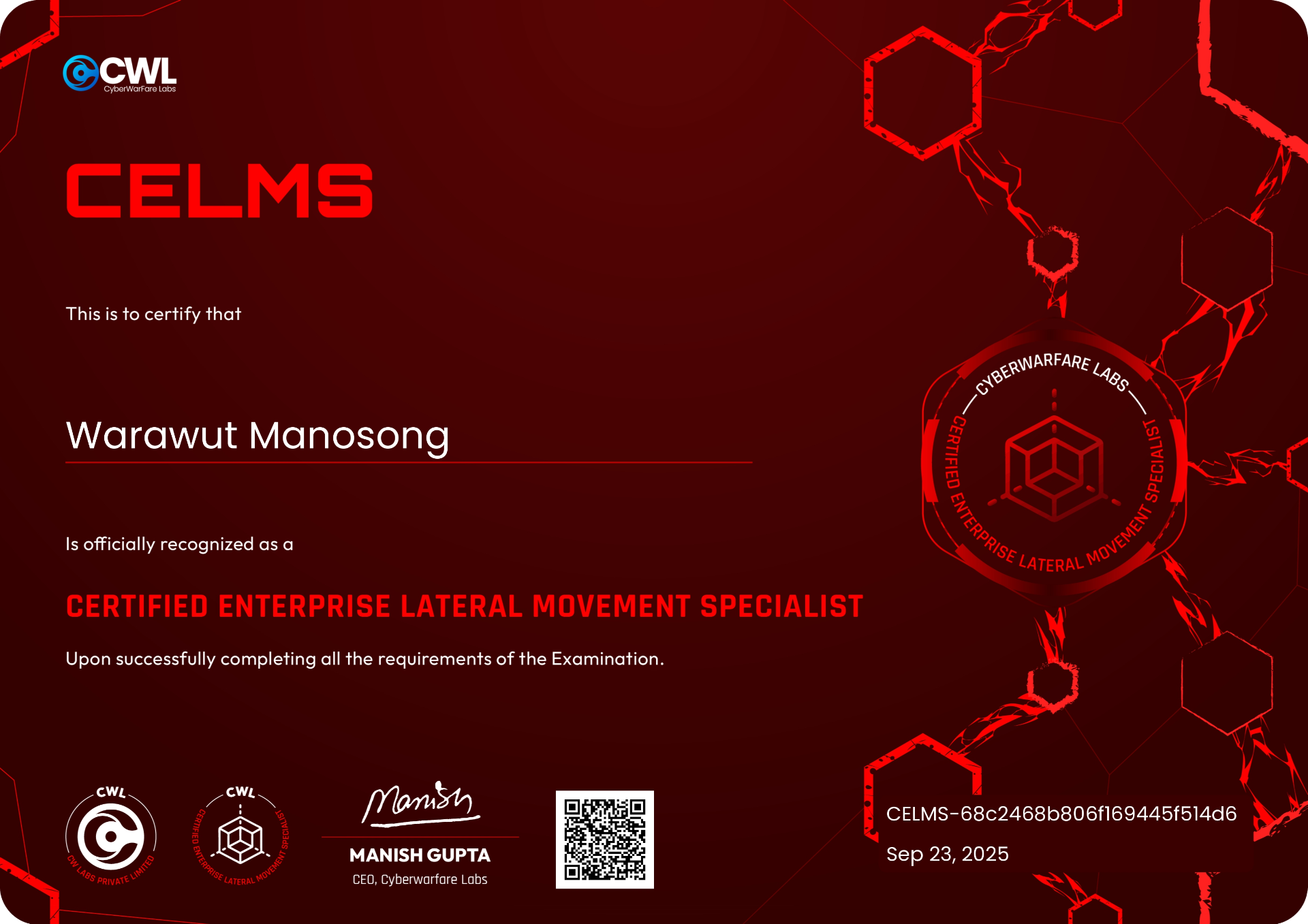
Review — CyberWarFare Labs : Certified Enterprise Lateral Movement Specialist [CELMS], When lateral movement also have a course and exam!
Hello everyone! It's me Chicken again, and I just passed the Certified Enterprise Lateral Movement Specialist [CELMS] exam from CyberWarFare Labs! In this blog I'll share my review of the course, lab, exam process, and tips, let's jump right in.
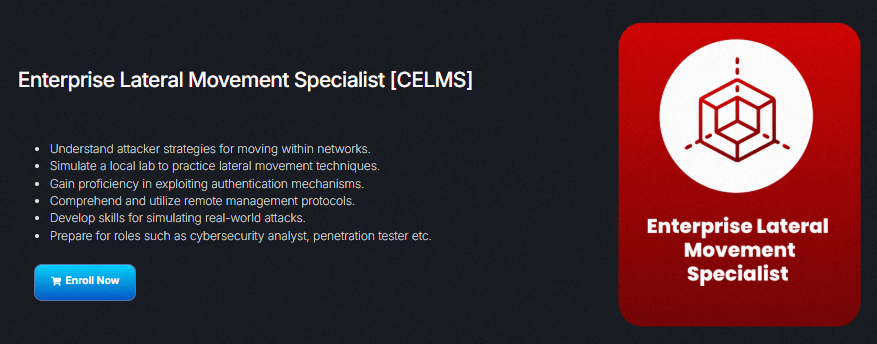
CELMS is a course and exam from CyberWarFare Labs (CWL) that focuses exclusively on the lateral movement phase of a red team engagement, leveraging authentication mechanisms and remote management protocols to gain further access inside an enterprise environment.
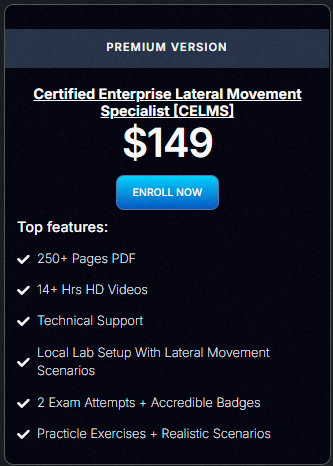
CELMS is priced at $149, which includes a 250+ page PDF, 14+ hours of HD video, technical support, a local lab setup guide, and 2 exam attempts. Honestly, full price feels a bit steep for what's on offer, so I picked it up during CWL's 5th anniversary event at 50% off. Worth keeping an eye on their discount codes before buying.
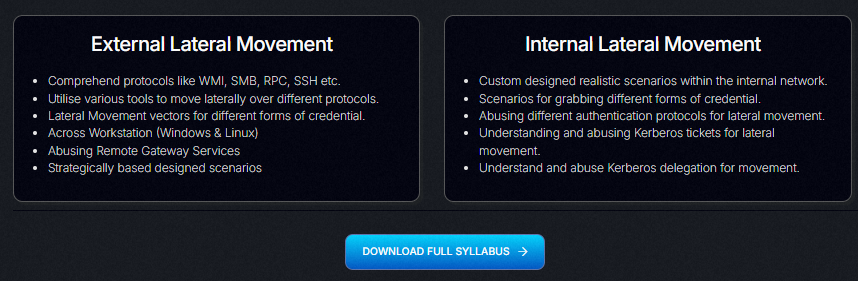
Although the course is focused on lateral movement, it splits the topic into two distinct categories: external and internal.
External lateral movement covers using remote management protocols (WMI, SSH, RDP, SMB, RPC, etc.) and gateway/trust vectors to reach systems across network or organizational boundaries. Internal lateral movement focuses on authentication and directory protocols (Kerberos, Active Directory, delegation abuse, and ticket attacks) to escalate and move within an AD environment.
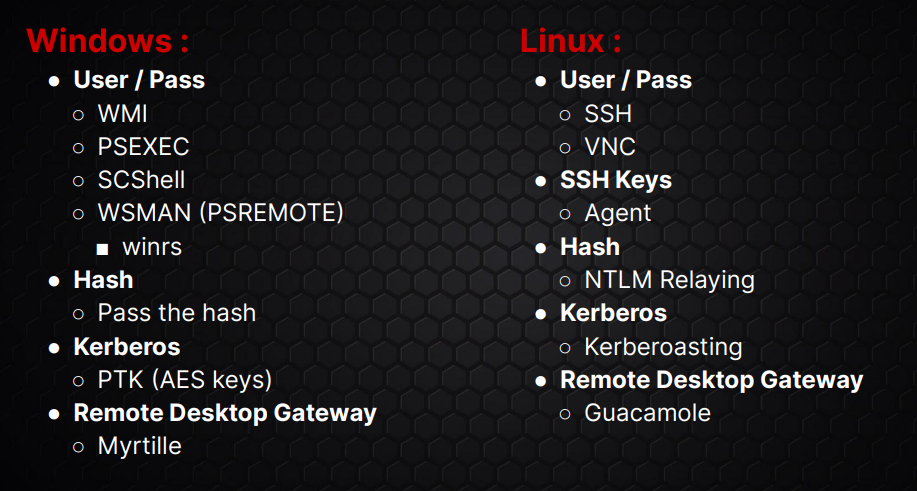
External techniques are organized by operating system and authentication requirement (e.g., username/password, NTLM hash, Kerberos, Remote Desktop Gateway).
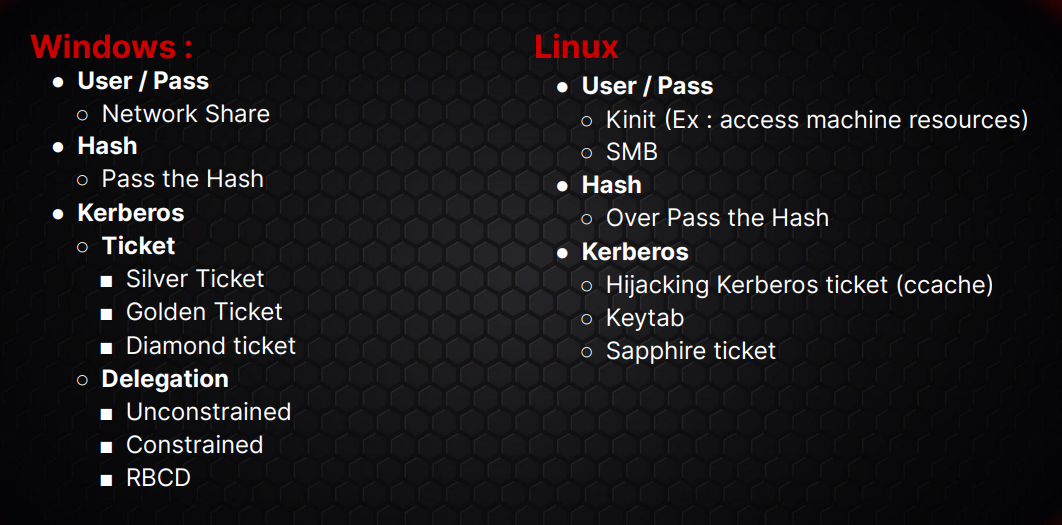
Internal techniques are similarly grouped by OS and auth type, with most centered on Kerberos and domain-based movement. Despite being aimed at beginner-to-intermediate learners, the course already touches on advanced topics like Kerberos Delegation, pretty neat for a course at this level.
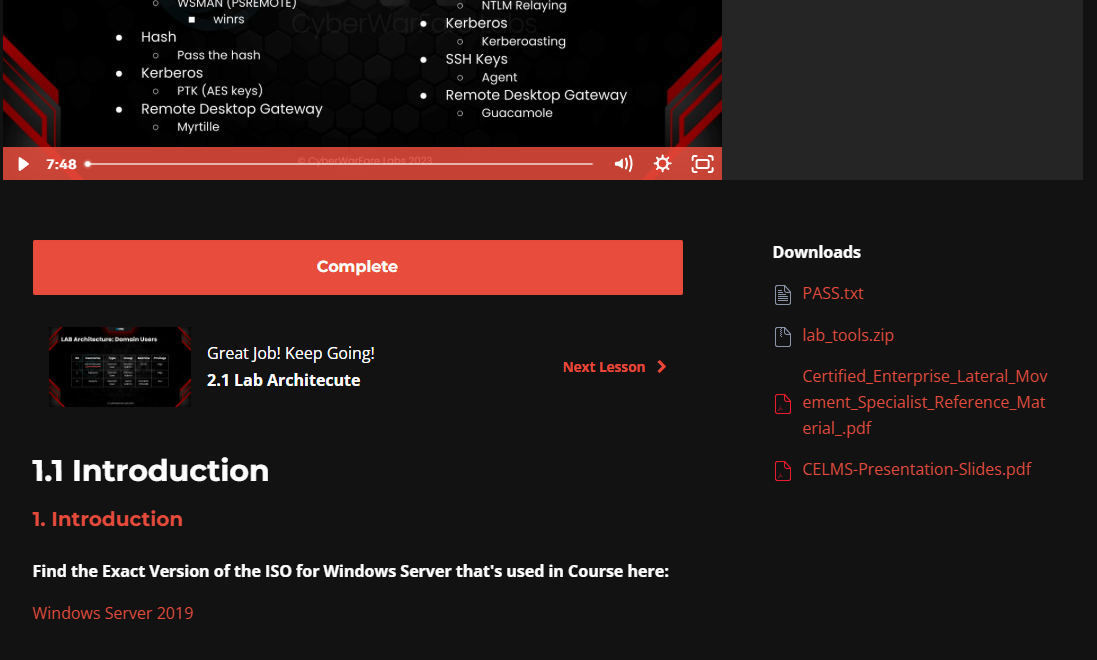
Each technique gets 2–5 videos covering the introduction, lab setup, technique demonstration, and in some cases packet analysis and alternative attack paths. After purchasing, you can download the course slides and tool bundle from the course introduction page on the LMS portal.
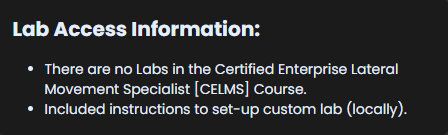
Unlike other CWL courses, CELMS does not include 30 days of hosted lab access. Instead, the course walks you through building your own local lab environment to practice every technique covered.
The local lab requires three VMs running simultaneously:
- Windows Server 2019: Domain Controller
- Windows Server 2019: domain-joined server
- Linux machine
I'd recommend VMware Workstation for this. To run all three comfortably, your host needs at least 24–32 GB RAM: give each Windows VM 5–8 GB and the Linux machine 2–4 GB. For the full experience you'll also want a fourth VM (Kali Linux or Parrot OS) as your attack machine, which of course adds to the RAM requirement.
If resources are limited, you can focus on one or two techniques at a time using just your attack VM and one target VM.
What I really appreciate about this local setup approach is that the course teaches you to configure genuinely vulnerable AD environments: Kerberos Delegation, Kerberoasting, NTLM relay, and more. The practice you get here benefits you well beyond the exam itself.
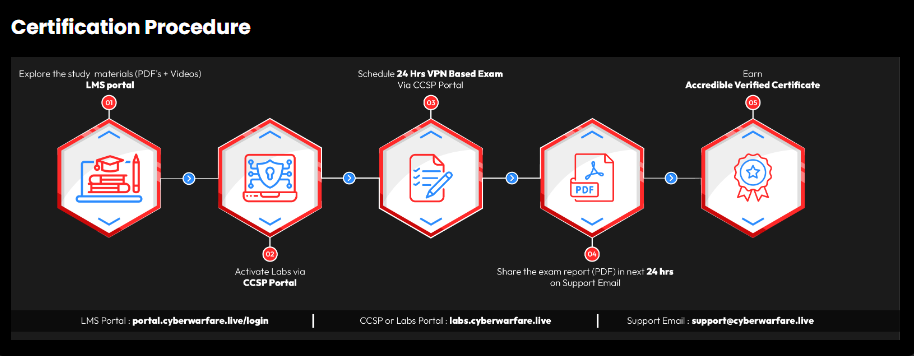
CELMS follows the standard CWL 48-hour exam format: 24 hours of access to the exam environment to complete the engagement objectives, followed by 24 hours to write and submit your report. If you fail, you receive feedback and have one free retake.
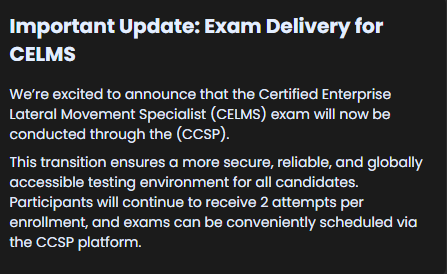
Booking is done through the CWL lab portal (CCSP) at labs.cyberwarfare.live.
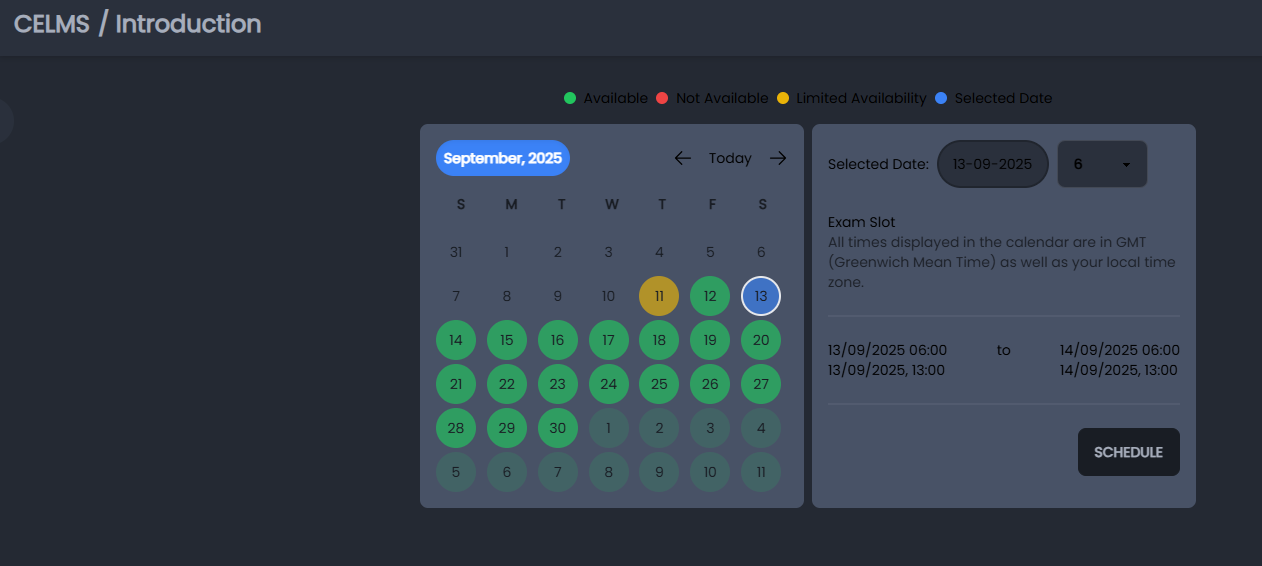
Pick your preferred slot from the calendar and select a time in GMT.
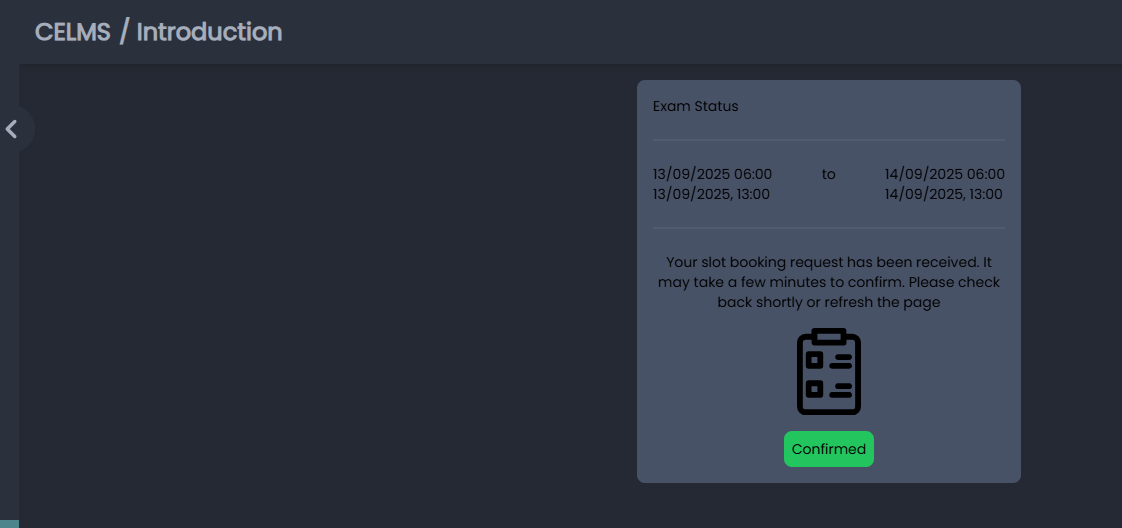
Once booked, a confirmation email lands in your inbox.
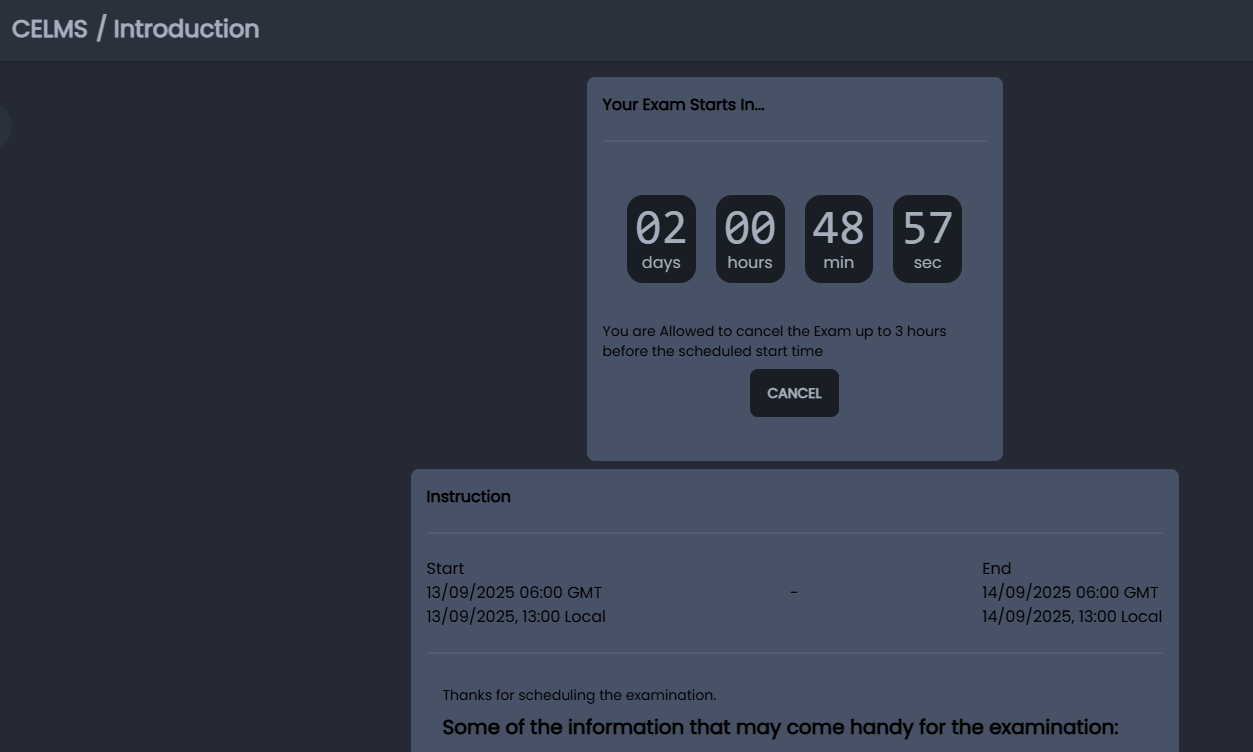
The countdown timer starts immediately after booking, and some exam information is already visible on the panel. You can cancel up to 3 hours before the start time.
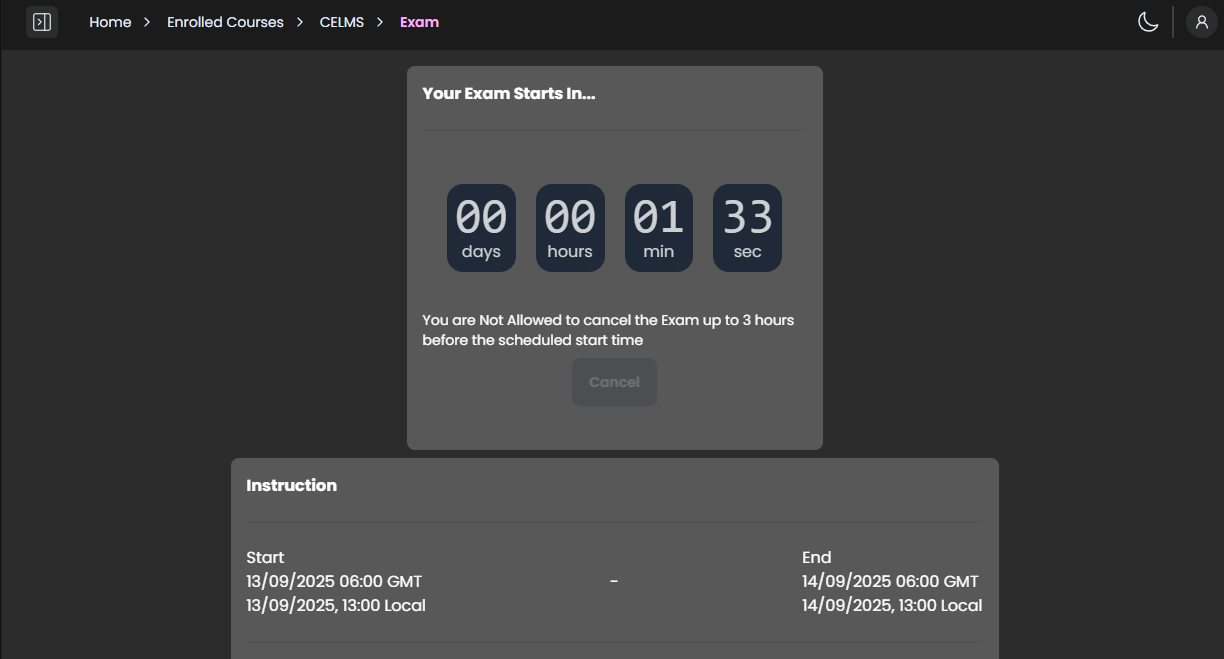
I booked a Saturday slot and got a full night's rest beforehand. On exam day I set up my Kali VM with three terminal tabs: one for VPN, one for initial access and pivoting, and one for post-pivot operations.
Once the exam started, I downloaded the OpenVPN file, transferred it to the Kali VM, connected, then read through the scope and objectives to understand exactly what was required to pass before starting the engagement.
The exam tests the lateral movement fundamentals taught in the course. Every technique needed to pass is covered in the material, though I still hit several roadblocks along the way, which is expected given that my primary expertise is blue teaming 😂. All of them were solvable with a bit of lateral thinking (no pun intended).
The exam environment isn't large, and not every technique from the course appears in it, but the ones that do were genuinely rare for me to have practical experience with. I completed all objectives within 7 hours and then spent the rest of the time writing the report.
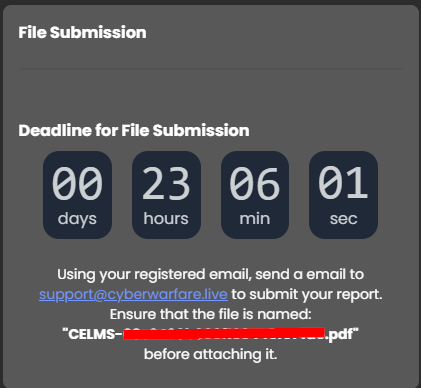
Report submission goes via email to CWL support. You'll need to name your file in the format CELMS-[ID].pdf and use the specific email subject provided in the exam portal.
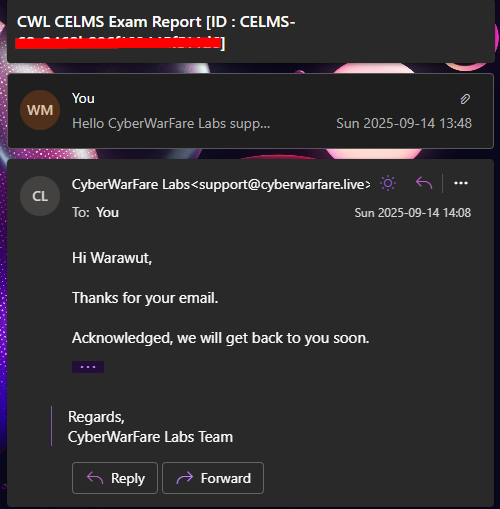
Twenty minutes after submitting (on a Sunday), I received an acknowledgement from the CWL support team. They don't technically work weekends, but they still responded regardless. Grading happens during business hours, so then it's just a matter of waiting.
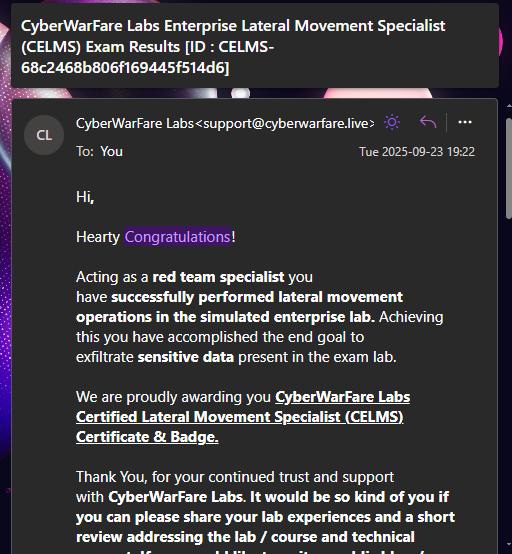
After 9 days, the result arrived, passed 😄
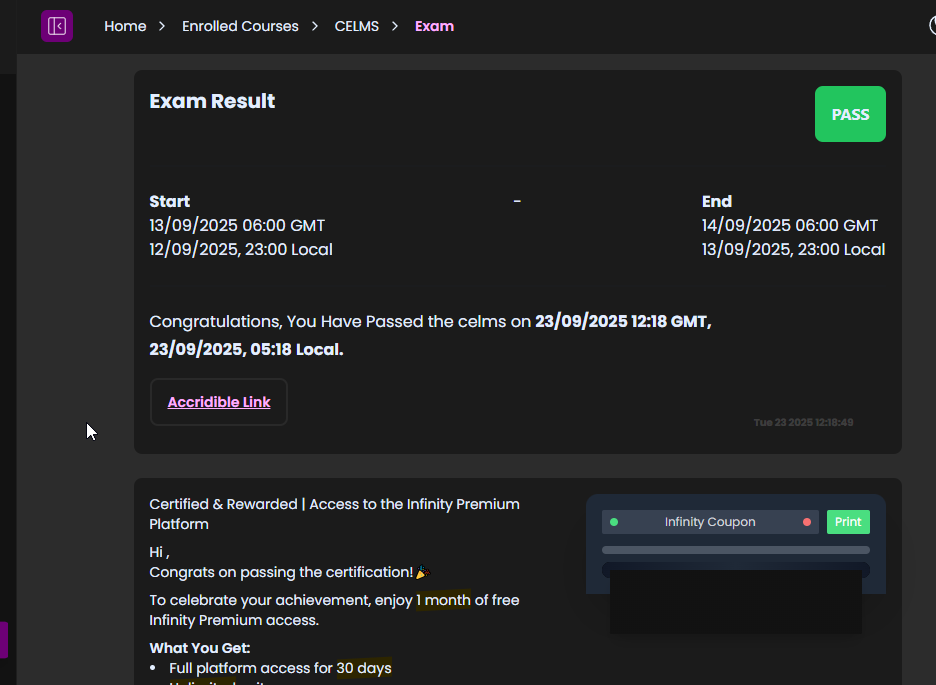
To claim your certification, log back into the CCSP portal to generate your Accredible link. You'll also find a voucher for one month of free access to CWL's Infinity platform (note: if you've already claimed this voucher from a previous CWL exam, it may not work again).
- Learning takes time: don't rush through the course if you're not comfortable with each technique yet.
- Learn how to execute the same technique with different tools. For example, practice Kerberos Delegation attacks with Impacket, not just Rubeus (which is all the course covers).
- Each lateral movement technique has its own prerequisites. Understand what you have and what you still need to find before trying to execute.
- Get comfortable with pivoting tools like ligolo-ng, Chisel, socat, or SSH: you'll rely on at least one of them in the exam.
- Don't forget Active Directory attack fundamentals. Tools like BloodHound can surface paths you might otherwise miss.
- You get 2 lab reverts, but you probably won't need them 😄
That's it for this one, hope you found it useful!