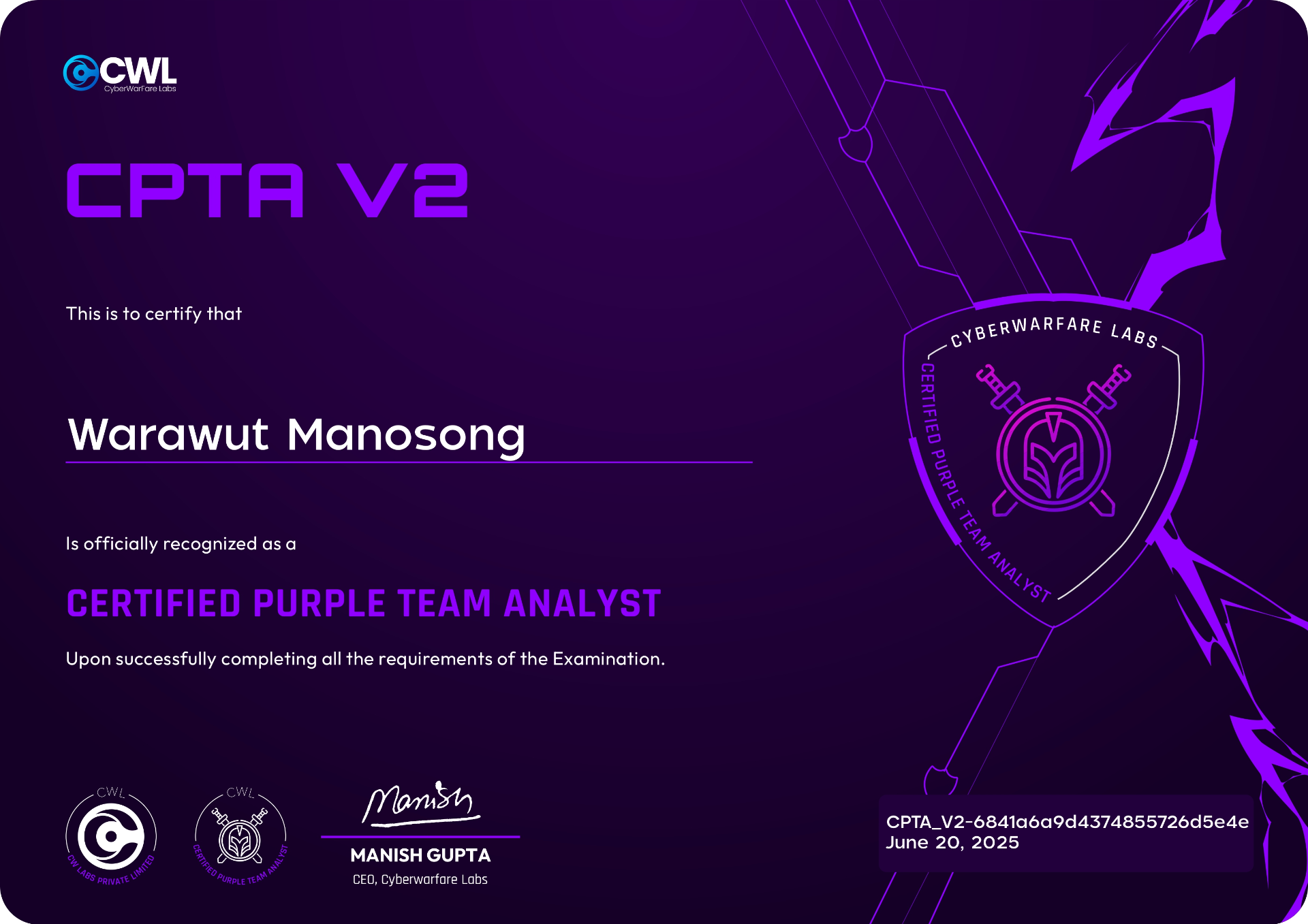
Review — CyberWarFare Labs : Certified Purple Team Analyst [CPTA v2], My First Purple Team Certification
Hello everyone! It's me Chicken0248 again. In this blog I'll briefly cover the Certified Purple Team Analyst [CPTA v2] course, labs, and exam from CyberWarFare Labs, known for affordable cybersecurity training, frequent discounts, and their cloud lab environments.
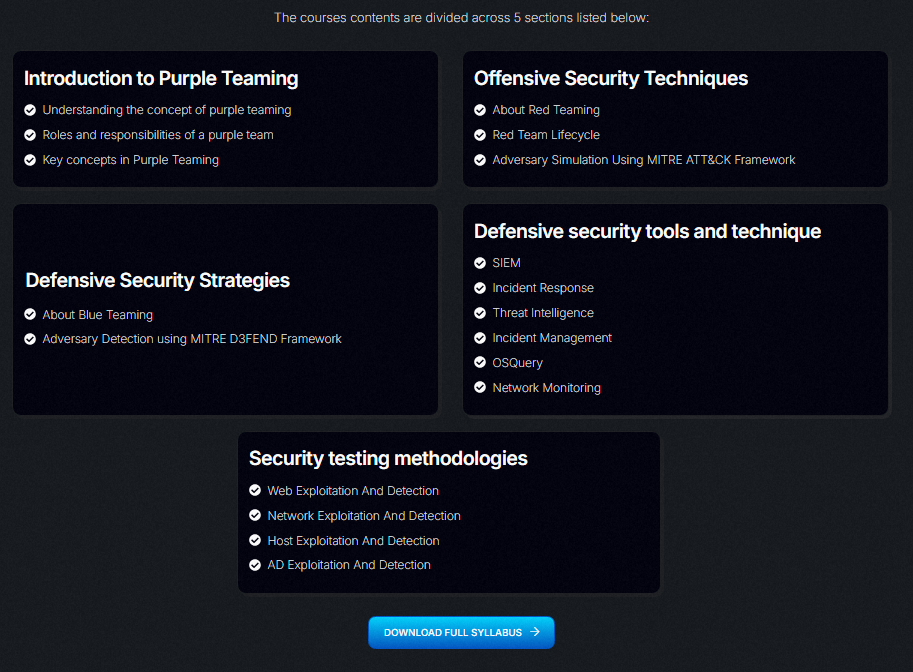
Course access is available immediately after purchase. You can review the full syllabus here.
One thing to note: the syllabus is missing a section called Purple Teaming Infrastructure, which covers the blue team toolset used in the course and labs:
- Wazuh ELK
- Velociraptor
- TheHive
- MISP
- Moloch / Arkime
- IDS Tower
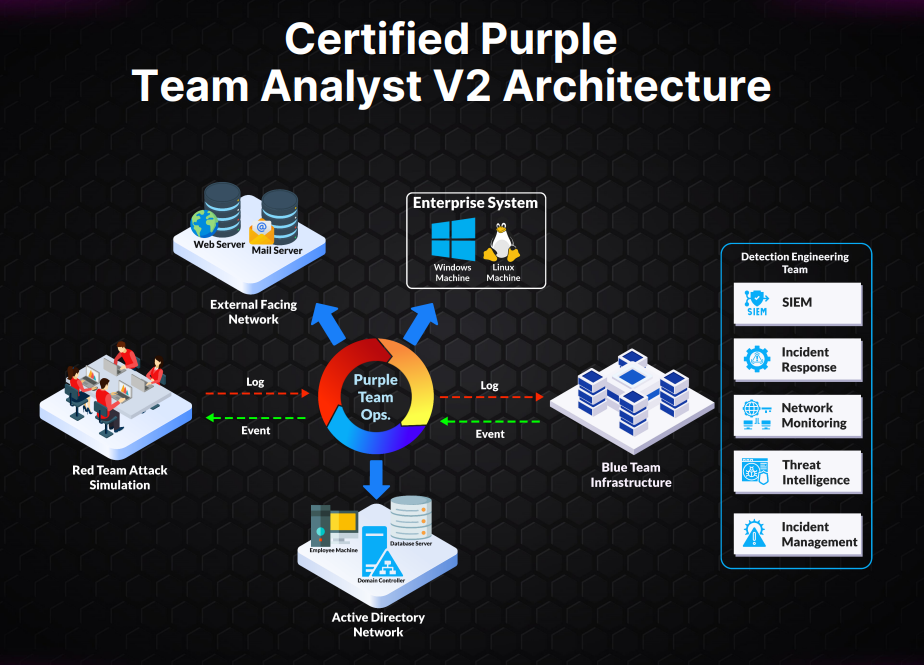
The lab environment has you connect via VPN, attack an external-facing network and an Active Directory network, then pivot to the blue team side to observe and investigate the activity using the tools taught in the course.
To be honest, I didn't complete any of the labs before taking the exam. I tried to run through the AD Exploitation & Investigation lab on the Friday before my exam date, but I couldn't access IDS Tower and support was offline for the evening, so I went into the exam cold.
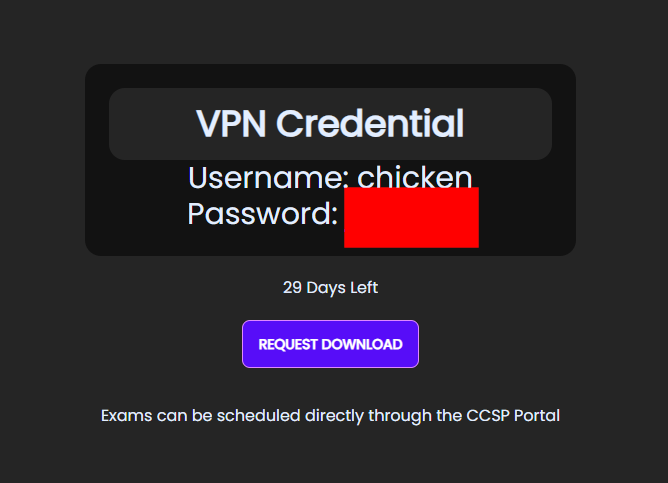
Lab time doesn't start automatically after purchase: you activate it yourself, which kicks off a 30-day countdown. Once activated, you'll get an OpenVPN file and credentials to connect.
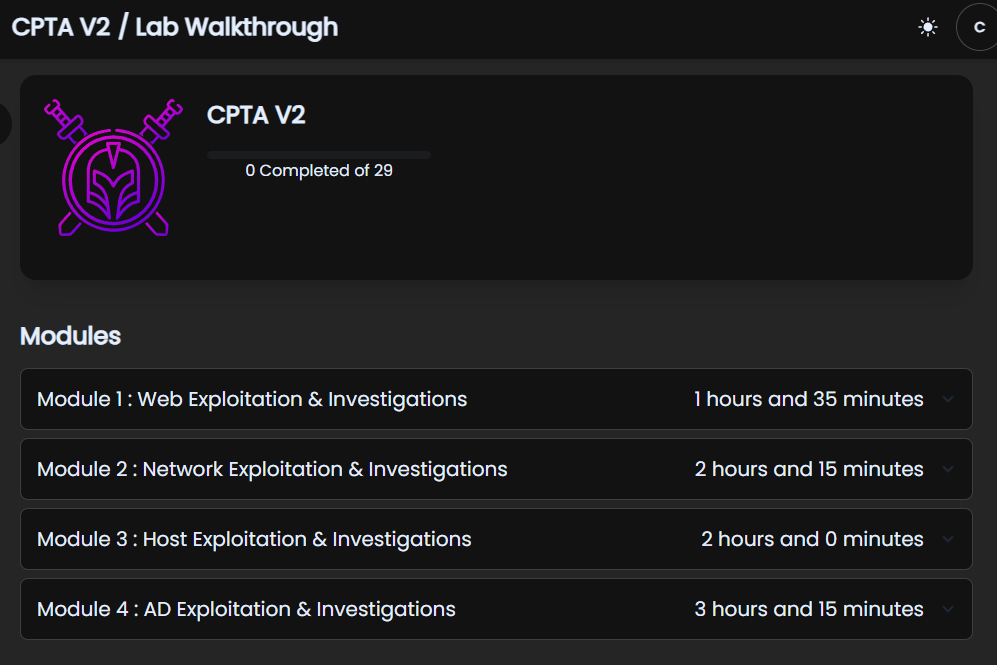
There are 4 lab modules with 29 labs in total:
- Web Exploitation & Investigations: 6 labs
- Network Exploitation & Investigations: 7 labs
- Host Exploitation & Investigations: 6 labs
- AD Exploitation & Investigations: 10 labs
The labs cover very accessible red team techniques and the corresponding investigation process for each attack: great for anyone just starting out on either the red or blue team side. I revisited the lab environment after the exam and IDS Tower was still down, but every other lab worked fine without it. Don't let that stop you. Do the labs before your exam.
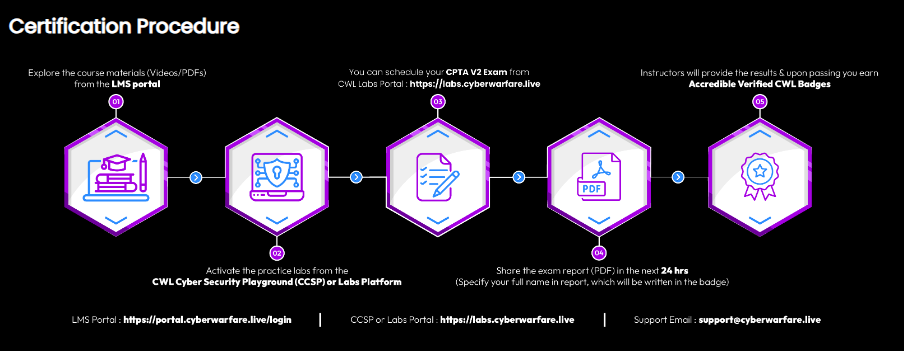
The exam format is 48 hours total: 24 hours of lab access to the exam environment, followed by 24 hours to complete and submit your deliverable report. If you fail, you get one free retake with feedback provided.
Unlike CRTA and CCDA which require scheduling by email, CPTA v2 uses an online scheduling portal.
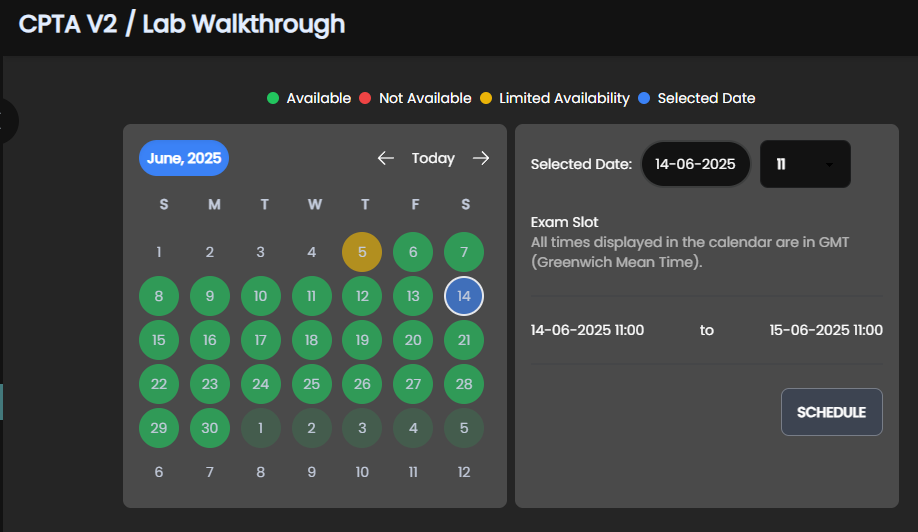
Head to the exam page on the labs portal, pick an available date, select your time in GMT, and click "SCHEDULE".
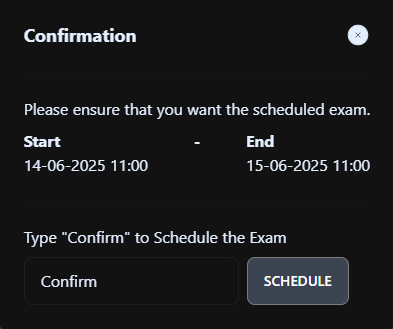
A confirmation dialog will appear: type "Confirm" and click "SCHEDULE" again to lock it in.
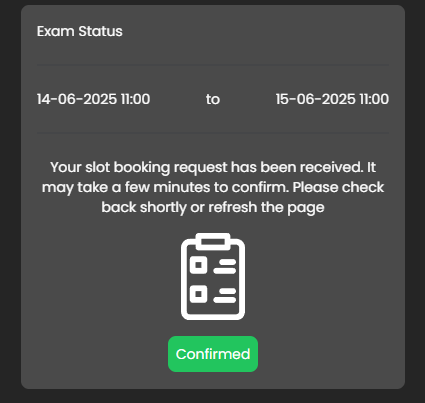
Your schedule is now confirmed and you'll receive a confirmation email.
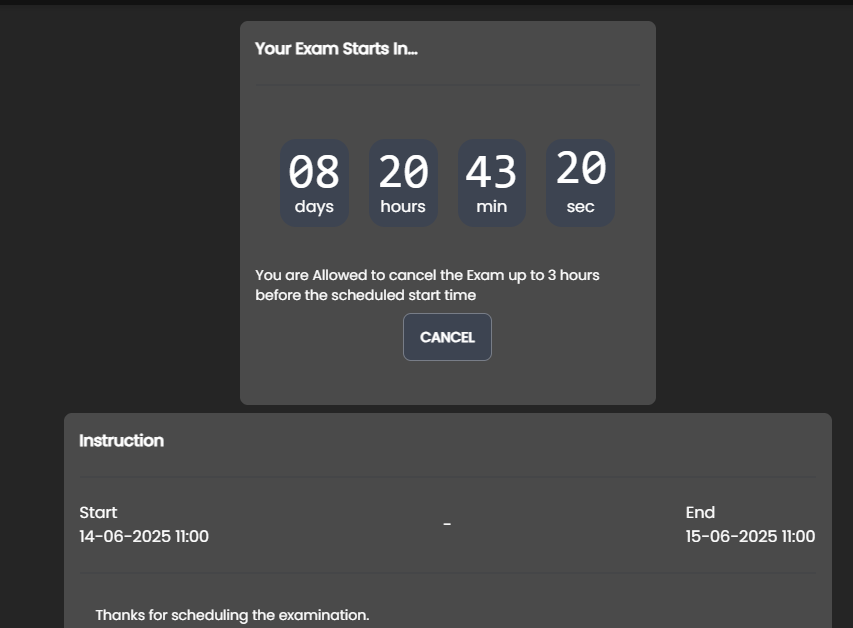
The countdown starts immediately after scheduling. You can cancel up to 3 hours before the start time, and some exam information is visible on this page ahead of time. One heads-up: you won't receive a reminder email on exam day, so set your own alarm.
Once the exam starts, the exam page will display everything you need: VPN file and credentials, blue team environment credentials, scenario, red team simulation, blue team objectives, overall exam objectives, deliverable requirements, and scope of engagement. A live countdown timer is always visible.
On the red team side, you can complete the red team objectives within about an hour. It's actually easier than CRTA on the attack side, but remember: this is a purple team exam. The real work is conducting multiple targeted attacks, investigating each one on the blue team side, and creating detection rules for them. After fully compromising the domain controller I stepped back, re-read the exam objectives, and built a proper plan for the attack-investigate-detect cycle before writing my report alongside execution.
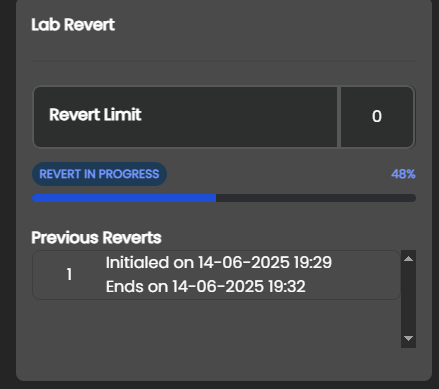
The exam includes 2 revert quota. I used my first revert to start fresh: a clean environment meant I could execute each attack step deliberately and investigate it without leftover noise from my initial blind run. Revert takes about 3 minutes, plus extra time for Windows machines to fully initialize and agents to reconnect to the SIEM.
On the blue team side, the toolset is quite different from CCDA. Not all tools and log sources covered in the course and labs will be present in the exam environment, so take time to explore what's available before diving into your investigation.
Near the end of report writing, my Elastic instance broke: a missing configuration caused all logs to disappear and I couldn't query anything. I wrapped up what I had and submitted. If this happens to you, contact support immediately: a revert alone may not fix an Elastic configuration issue.
Report submission still goes via email with a specific subject line and filename. You'll get the subject when you book, and the required filename after your 24-hour lab window closes, at which point the 24-hour report submission countdown begins.
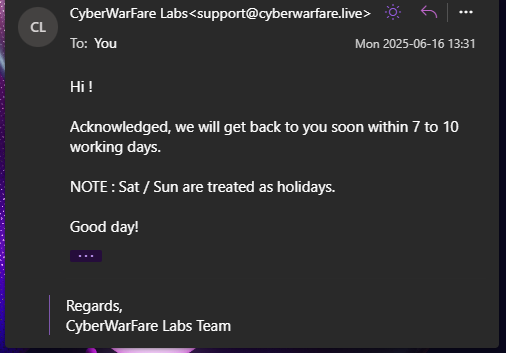
After submitting, CyberWarFare Labs will acknowledge receipt and ask you to wait 5–7 business days for results.
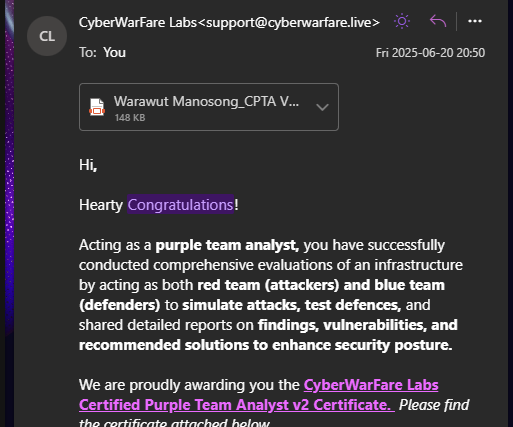
I received my result on a Friday, longer than CRTA and CCDA (which both came back the next day), but still well within the window. Passed on the first attempt.
Unusually, they sent the certificate via email rather than through Accredible. The reason was explained in a note included with the result:
Digital Certificate + Badge (via Accredible): We're currently updating our badge infrastructure. You can expect to receive your Accredible certificate and shareable badge by mid-July. We'll notify you as soon as it's live.
There was also a slight date error on the emailed certificate due to the manual process, but nothing significant.
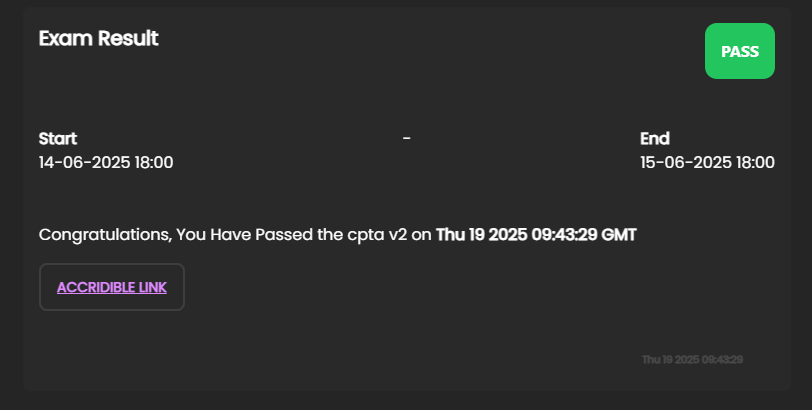
I noticed you could generate an Accredible link directly from the exam portal, so I tried it.
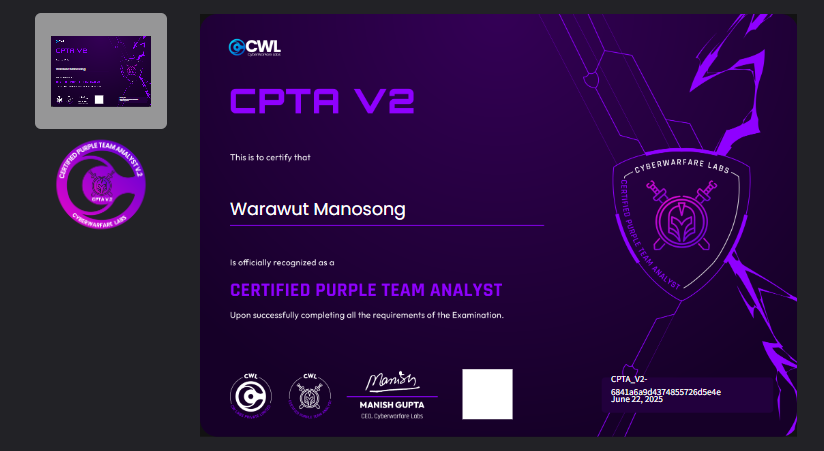
And it worked, but the certificate had a white box artifact next to the CWL CEO's name, and the date reflected the moment I generated the link rather than the actual exam date. Best to wait until mid-July as advised before generating your shareable badge.
- Document every step you take on the red team side, including timestamps of each attack.
- This is not just a red team exam. It's a purple team exam. If you approach it with a purely offensive mindset, you'll likely fail. Think like a blue teamer too.
- Purple teaming is about planning. Your success comes from your plan and how you execute it.
- If you're unsure how to plan your approach, reference the lab walkthroughs in the course.
- Use your revert quota carefully: it takes time for machines to start and for agents to reconnect to the SIEM after a revert.
- If your Elastic instance breaks (e.g., missing config causes logs to vanish), contact support immediately: a revert may not resolve it.
- Use the pre-built detection rules from the lab walkthroughs as a guide for writing your own. In some cases they'll work with only minor adjustments.