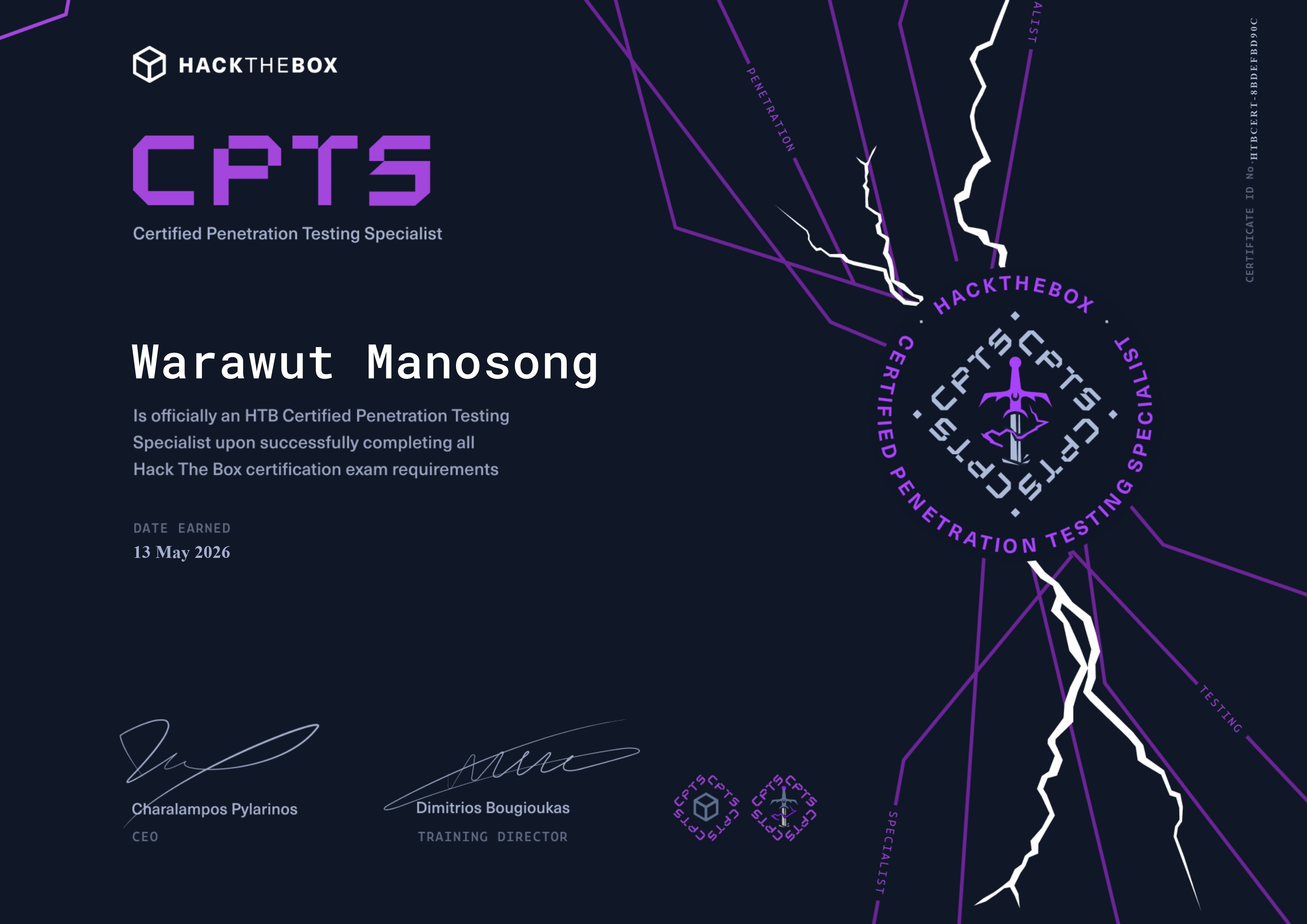
HackTheBox Certified Penetration Testing Specialist (CPTS): Review and Exam Guide
Hello everyone, Chicken0248 here. In this blog I'll be talking about how to prepare for the CPTS exam from HackTheBox, the most popular professional cybersecurity certification from one of the most well-known platforms in the space.
Coming from a blue team / DFIR background, this certification is not something to be taken lightly. It requires a completely different set of skills. Without further ado, let's jump right in.
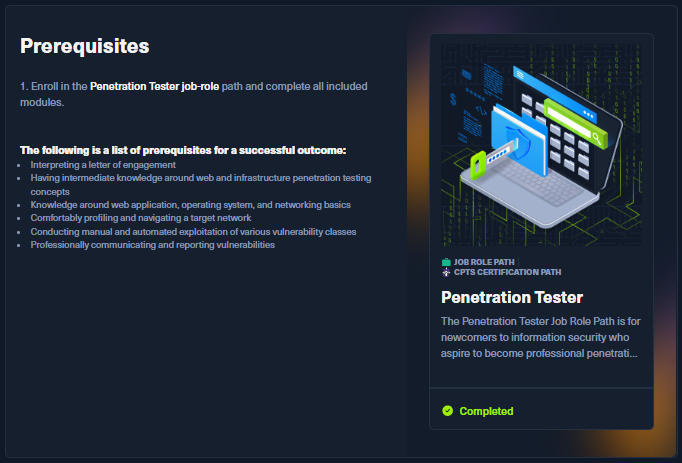
To take the CPTS exam, you need to complete its job-role path first: the Penetration Tester path. It consists of 28 modules and will cost around 1,970 Cubes.
- 7 x Tier 0 = 70 Cubes
- 4 x Tier I = 200 Cubes
- 17 x Tier II = 1,700 Cubes
On top of that, completing all modules gives you 450 Cubes back and roughly 70% completion progress on the Web Penetration Tester path.
Let me tell you, each module is no joke. They contain a wealth of information that is directly required for the exam itself. On top of that, every single one gave me new ideas about possible attack surfaces and privilege escalation paths that may not be well known to blue teamers.
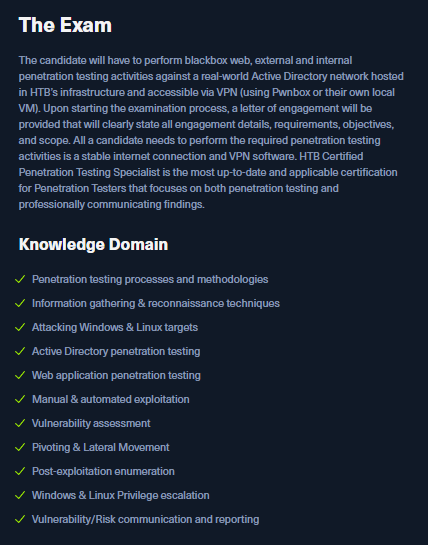
Before diving into which modules to pay close attention to, let's look at the exam page to see the knowledge domains covered. To sum it up, the exam covers:
- Web application attacks
- Linux & Windows privilege escalation
- Active Directory attacks
- Pivoting & Lateral Movement
- Post-exploitation
And I can guarantee you, they did it justice. You will be tested thoroughly, and sometimes you will doubt yourself if you go into the exam unprepared.
Here are the modules I recommend spending serious time on:
- Footprinting - you'll learn to enumerate many network protocols such as FTP, SMB, NFS, DNS, SMTP, SNMP, MySQL/MSSQL and more. Important foundational knowledge for penetration testing.
- Information Gathering - Web Edition - you'll learn how to conduct web recon including DNS enumeration, web crawling, analysis of web archives and HTTP headers, and fingerprinting web technologies. A foundation for basic web pentesting.
- File Transfers - you'll learn various ways to transfer files between machines. There's a lot of useful technique here that you'll put to use directly in the exam.
- Password Attacks - you'll learn the fundamentals of password attacks: cracking, spraying, stuffing, and Windows/Linux-specific attacks. Getting valid credentials is required to move laterally or gain a foothold, so this one matters.
- Attacking Common Services - you'll learn how to attack common services such as FTP, SMB, SQL databases, RDP, DNS, and SMTP. Think of it as the second step, an extension of the Footprinting module.
- Pivoting, Tunneling, and Port Forwarding - you'll learn how to pivot. To pass the exam, double-pivoting is a must. The tools taught here are not the most beginner-friendly, so I recommend using the labs to practice Ligolo-ng or Ligolo-MP effectively.
- Active Directory Enumeration & Attacks - you'll learn the fundamentals of AD enumeration and attacks, which prove useful again and again in the actual exam. Spend your time here and digest everything.
- SQL Injection Fundamentals - you'll learn the fundamentals of SQL injection attacks and how to conduct them. After finishing this module, spend extra time on the SQLMap Essentials module as well.
- File Inclusion - you'll learn a few techniques for file inclusion attacks.
- File Upload Attacks - you'll learn file upload attacks and a few bypass techniques.
- Attacking Common Applications - you'll learn various common application attacks including CMS platforms like WordPress, Joomla, and Drupal, as well as Splunk, Jenkins, Tomcat, PRTG Network Monitor, GitLab, osticket, and more.
- Linux Privilege Escalation - self-explanatory.
- Windows Privilege Escalation - self-explanatory.
- Documentation & Reporting - self-explanatory.
- Attacking Enterprise Networks - the ultimate test that summarizes your journey in a single module. It lets you recap and practice in a larger network. The scale is not the same as the exam, but it is still important to practice this one.
That's a lot to go through, but it is necessary because the CPTS exam is no joke.
What about the CPTS preparation path on the HTB Labs platform? Honestly, I don't think it prepares you for the CPTS exam all that much. It consists of standalone machines, while in the actual exam you're dealing with a full enterprise network with multiple endpoints that you need to compromise to pass.
So if you're looking for additional labs to practice outside of the path, HTB ProLabs is your best bet, as it consists of multiple endpoints.
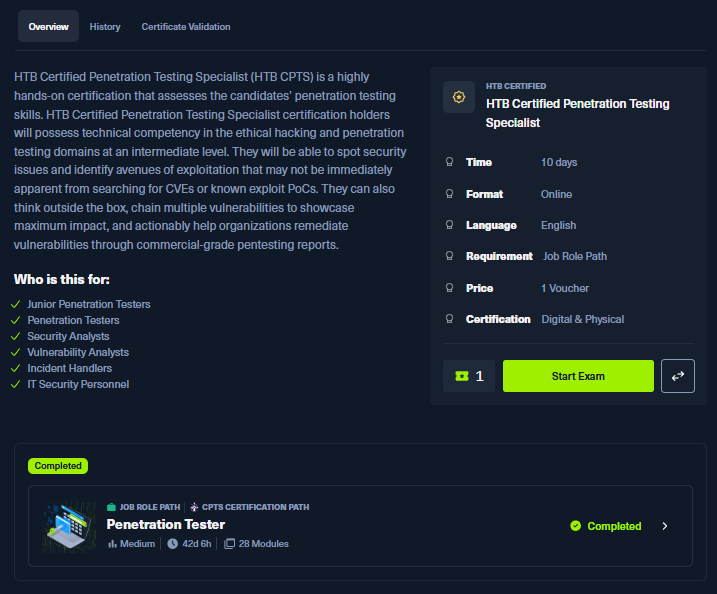
With that said, let's jump right into the exam experience.
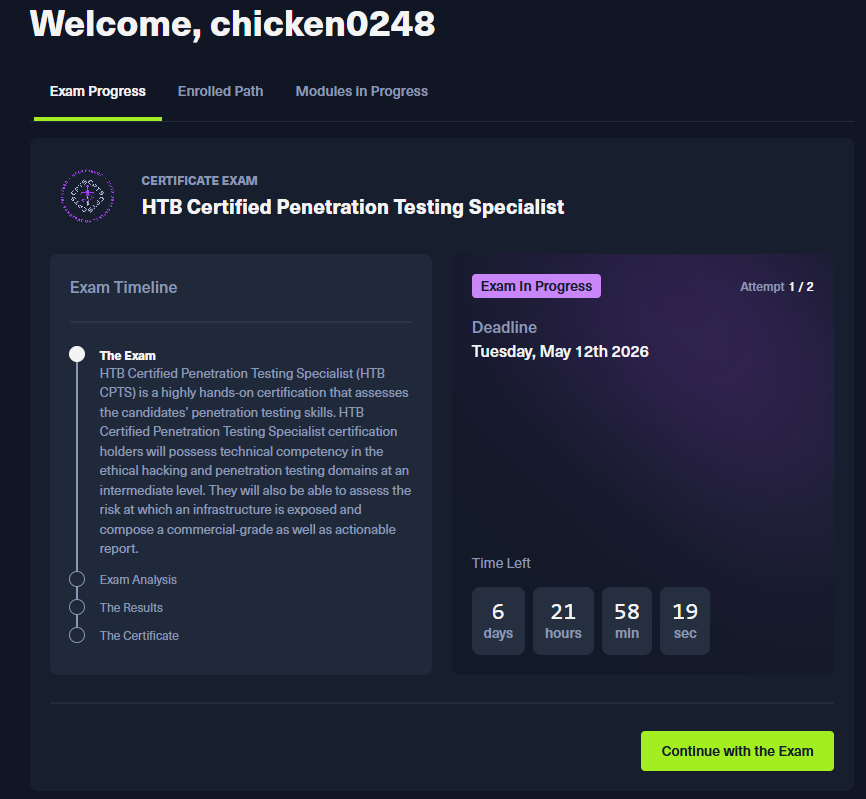
I started my exam on 2nd May 2026. A lot of enumeration happened on that first day, which had me digging through notes I wrote back during my OSCP cramming days and revisiting parts of the Penetration Tester path to refresh some techniques I thought would work.
After wrestling with each endpoint, going back and forth with all the credentials I had gathered, and pushing through some self-doubt, I finally obtained all the flags on 4th May 2026. For reference, you need at least 12 out of 14 flags while documenting everything in a customer-ready report within 10 days. Looking back at it, I think I did pretty well considering I came from a DFIR background.
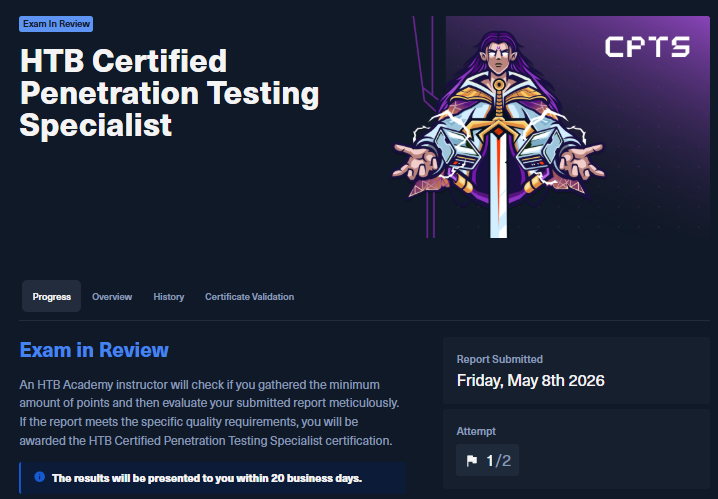
I submitted my report on 8th May 2026, which came out to over 150 pages. More flags mean more findings, and more findings mean more documentation. That's just how it works. I've seen many people stop at flag 12, but I wanted a perfect score so I wouldn't have any regrets.
One thing I forgot to mention: for the report, I used Sysreptor, and honestly, why not? It carried me through CDSA, CJCA, and now CPTS. Without it, my Word would have crashed repeatedly and I probably wouldn't have finished in time, and might have even failed on formatting alone. 🤣
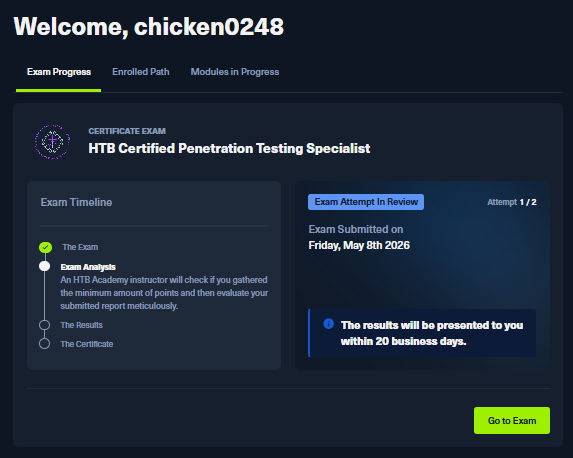
Once the report was submitted, VPN access to the exam environment was cut off and it was just a waiting game from there, as results are announced in batches.
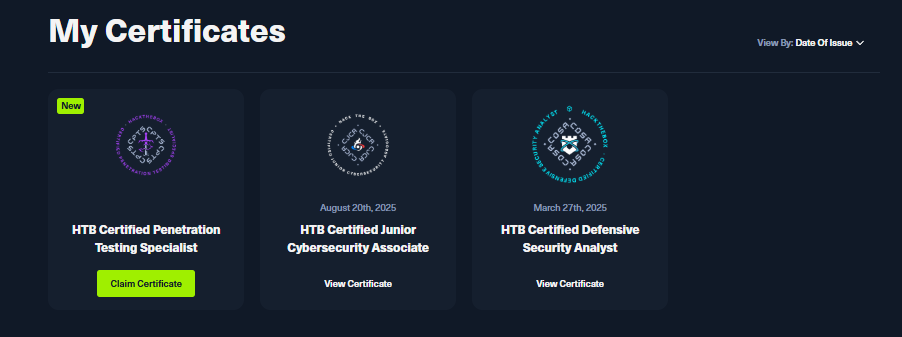
Five days later, I got my result back during a Thai holiday. Just like that, another cert added to the collection.
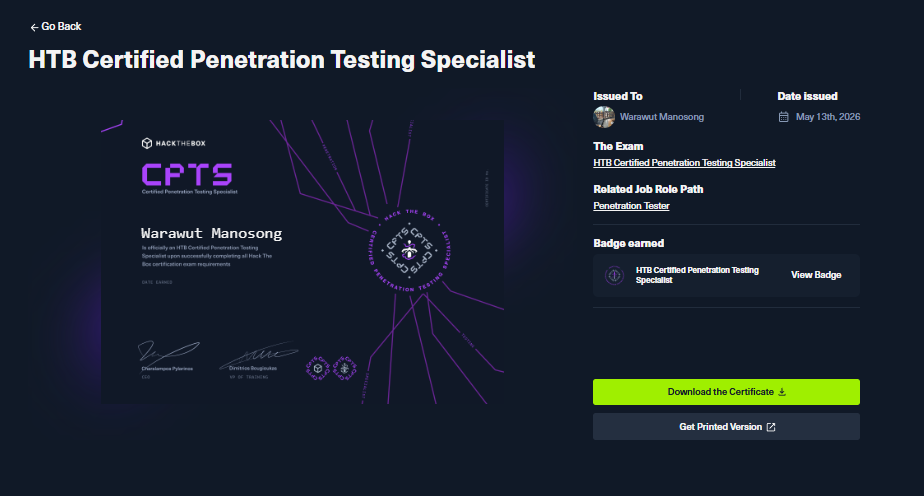
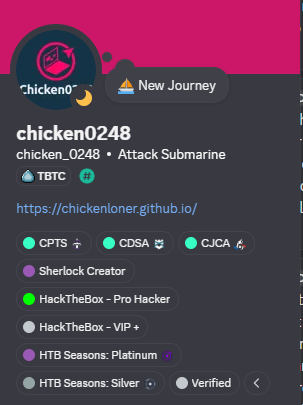
After claiming the cert, the role is automatically assigned to your Discord profile without needing to manually type a verification command anymore.
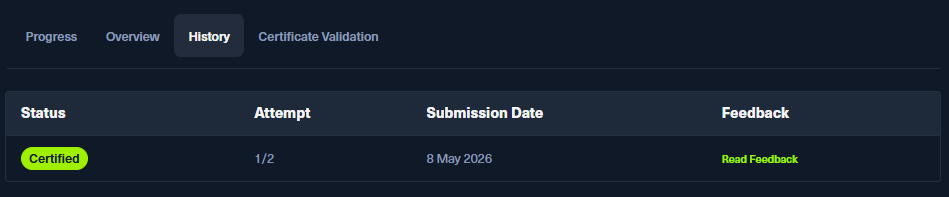
You can also visit your exam history page to read the feedback provided. I won't be sharing mine here.
- The exam is fairly linear. Do not jump ahead chasing other flags before completing the current objective. You simply won't find them until you're meant to.
- Take screenshots as you go, along with the commands and their outputs.
- Some applications and services are there for a reason. You might not think they are useful at first, but sometimes they end up being the key to moving forward.
- Double pivoting and file transfer techniques are a must to learn before going into the exam.
- Sometimes there are multiple ways to exploit the same vulnerability. If one approach fails, look for another PoC or even write your own.
- If you have a valid domain user credential, do not forget to run BloodHound.
- If you cannot get a reverse shell due to connection issues from double pivoting or any other reason, consider creating a backdoor admin account and logging in using that instead. 😉
- Avoid using RustScan. The HTB VPN simply cannot handle the scan speed and it will cause more problems, costing you important information.
- Use SysReptor for report writing. It has an HTB exam template ready to go.