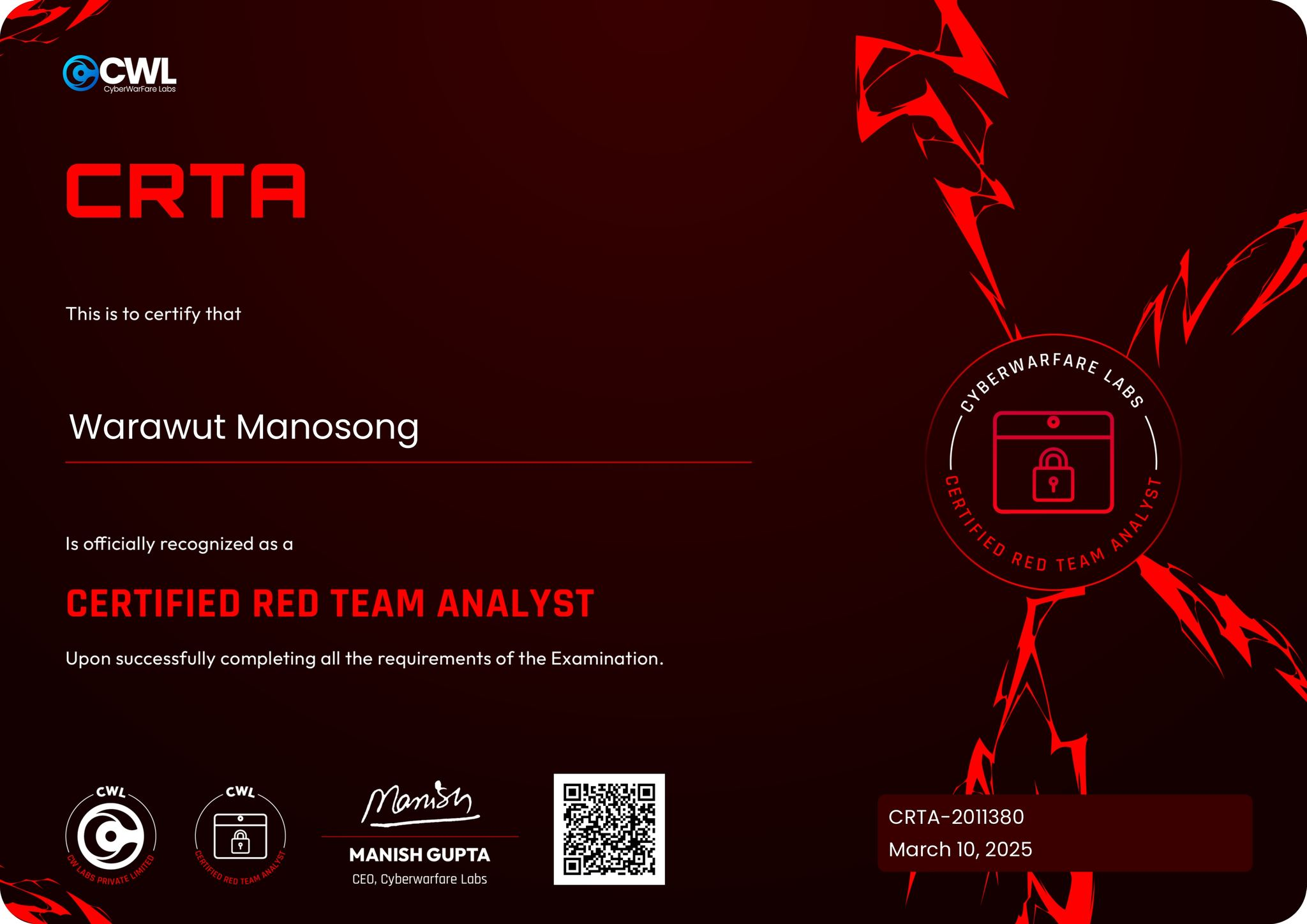
CyberWarFare Labs : Certified Red Team Analyst [CRTA] Certification — My Experience and Review
Hello everyone, it's me Chicken0248 again! After passing the CCDA exam from CyberWarFare Labs last month, I decided to put my pentesting methodology to the test with the Certified Red Team Analyst [CRTA] certification. I was not disappointed. It was a memorable experience. In this blog I'll briefly review the course, the lab, the exam process, and share some tips.
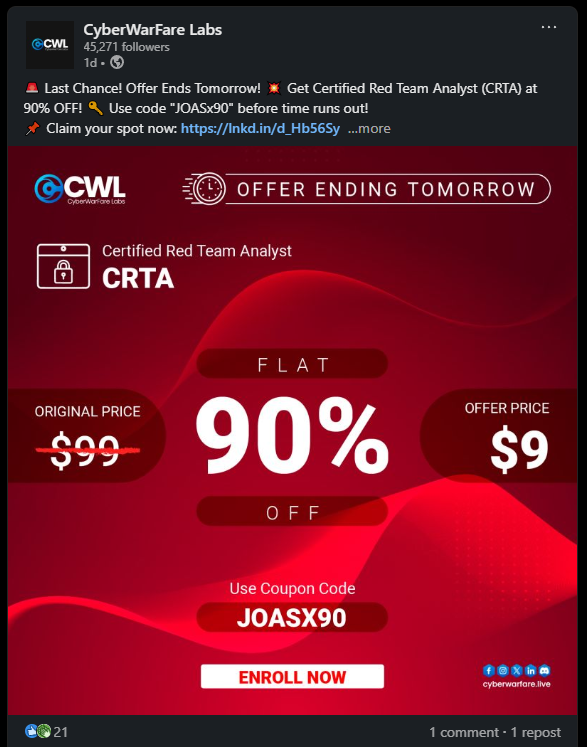
CRTA is regularly priced at $99, but at the time of writing, CyberWarFare Labs had a 90% discount code running that brought the price down to $9: outstanding value for an exam of this quality.
After purchasing, you'll receive three emails: an invoice, course access credentialsfor their portal, and lab access credentials for their labs site.
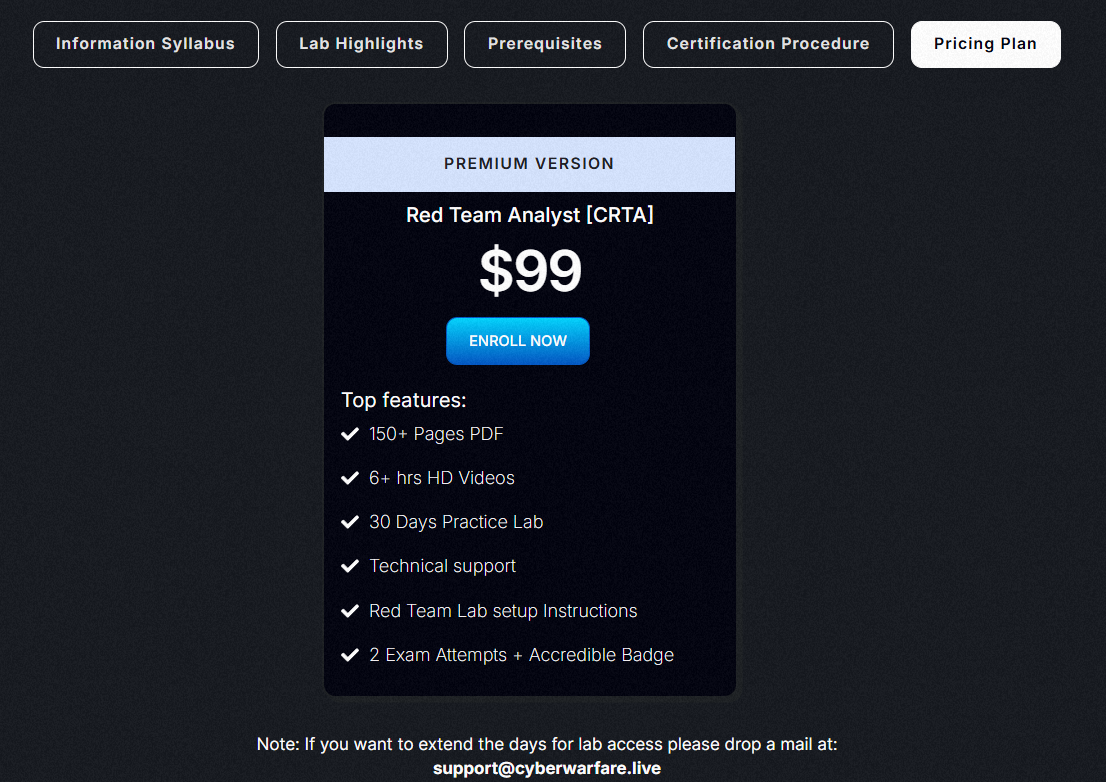
The bundle includes over 150 pages of PDF material, 6 hours of video content, 30 days of lab access to a red team infrastructure (activatable whenever you're ready), and 2 exam attempts.
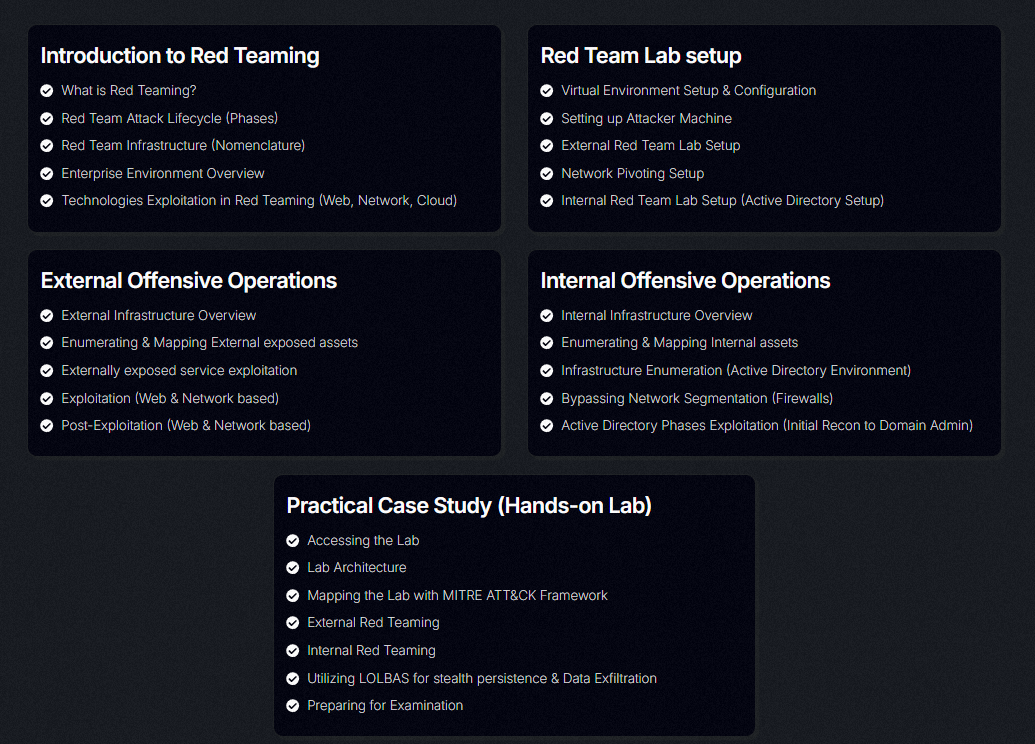
The image above shows the full course contents. For a closer look, check out the course syllabus directly.
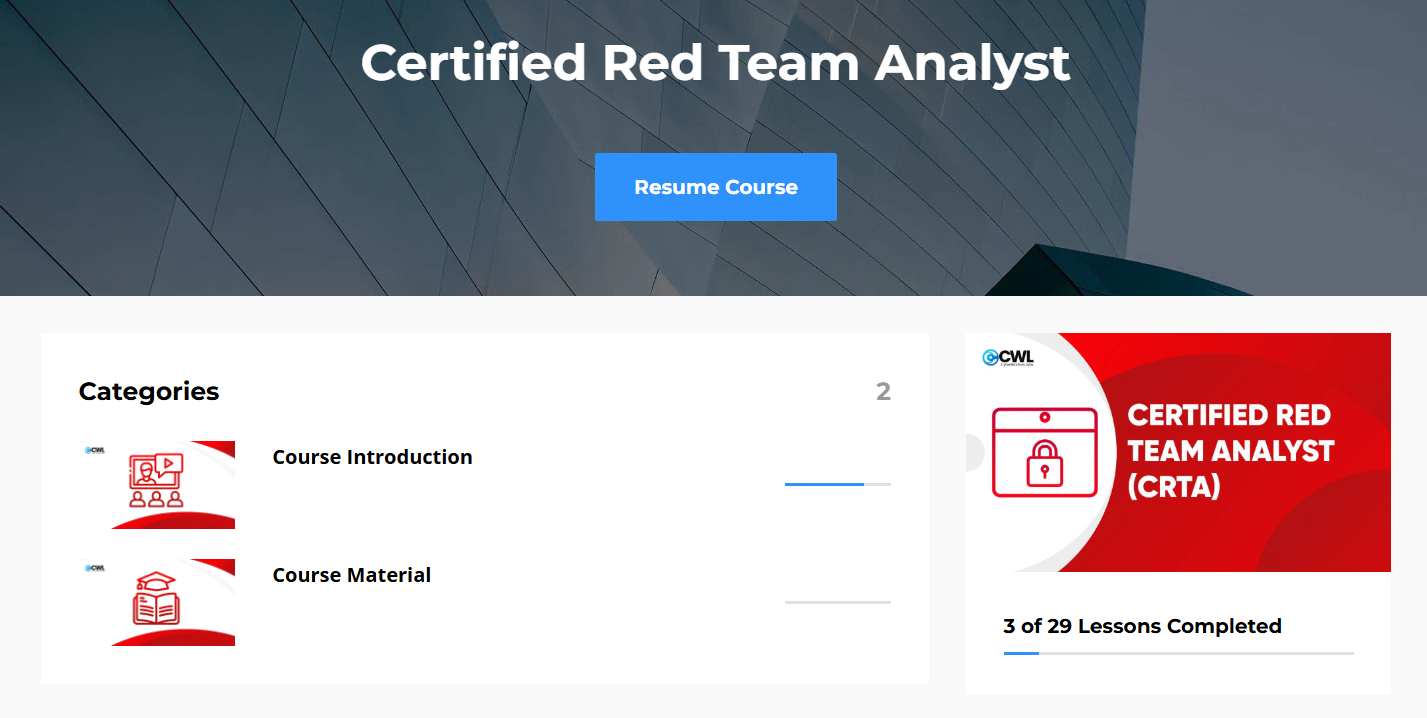
After purchasing, you access the course at portal.cyberwarfare.live. There are 16 lessons in total, plus 9 walkthrough videos covering the lab and a course introduction.
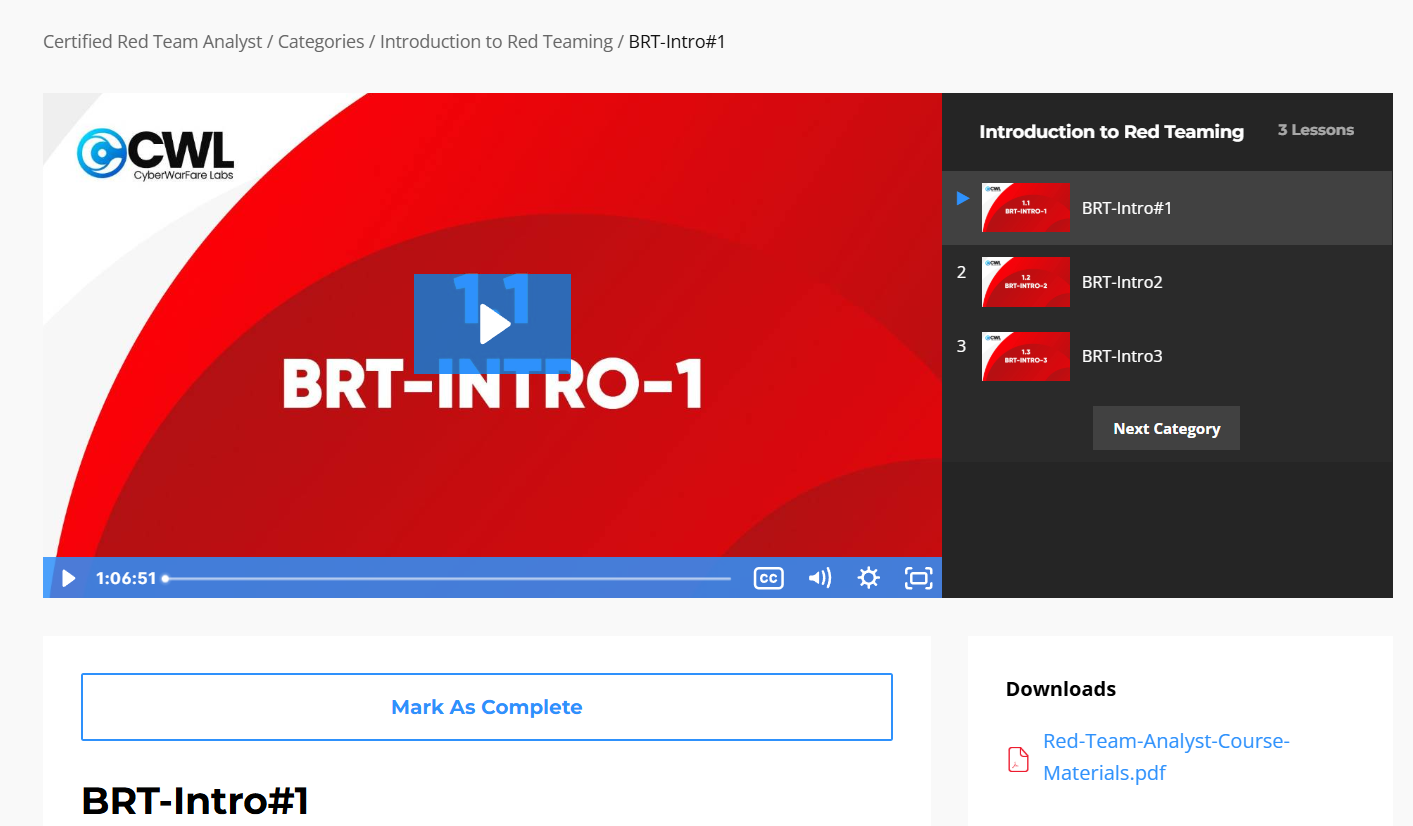
The full course PDF is available for download from the first lesson (BRT-Intro#1).
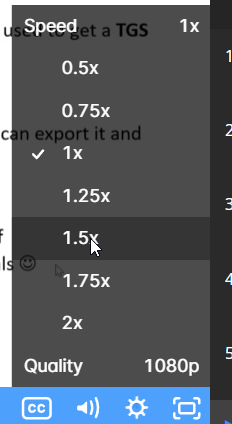
The videos are on the slow side, so I'd recommend bumping playback speed to 1.25× or 1.5× to stay engaged. The instructor teaches with an Indian accent, if that's new to you, give yourself a bit of time to adjust, or follow along with the slides and mute the audio if needed.
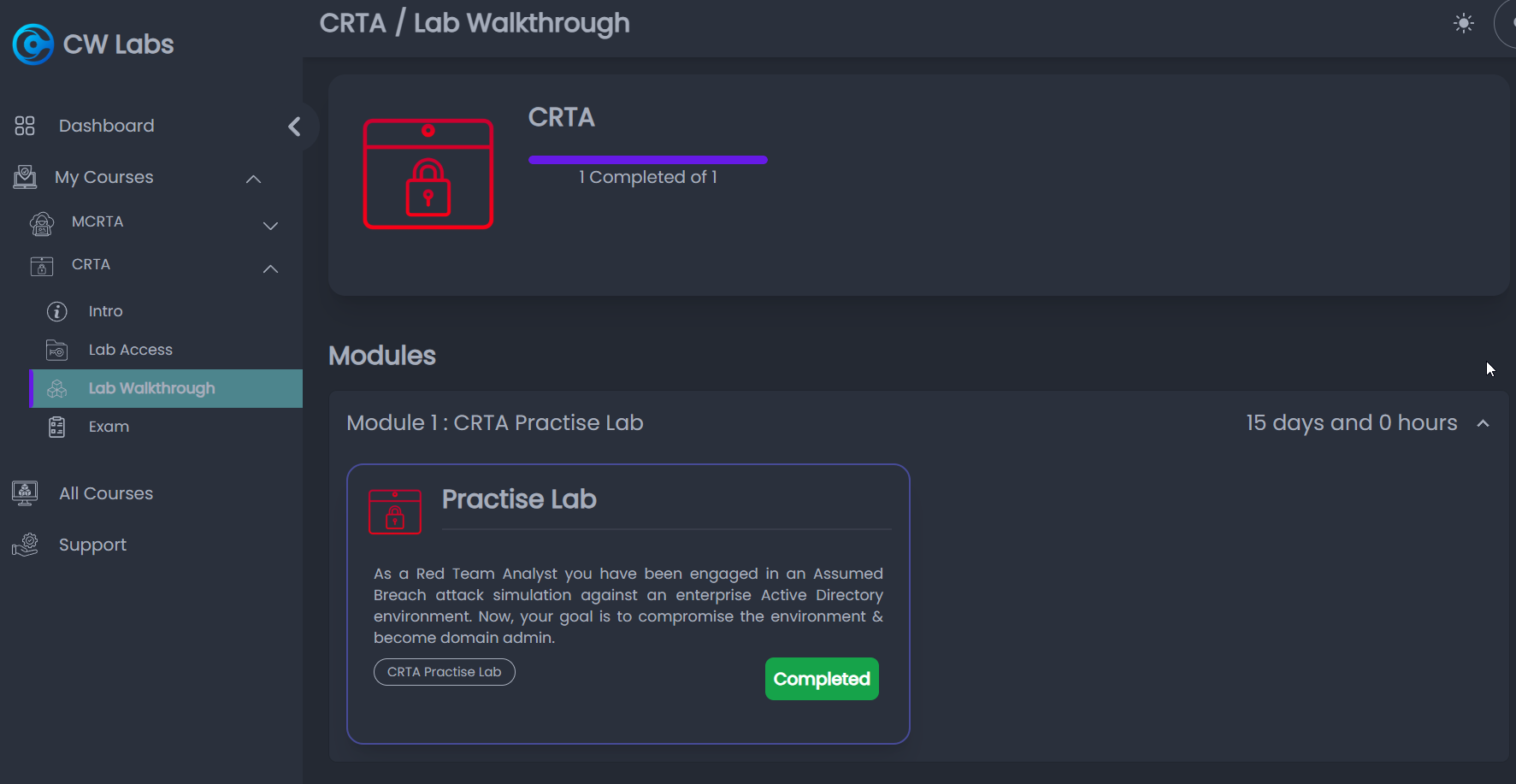
Lab access comes via a separate credentials email for labs.cyberwarfare.live. Unlike CCDA's 21 labs, CRTA has one practice lab, but the write-up on the lab site is comprehensive, including the full command set you can copy and paste.
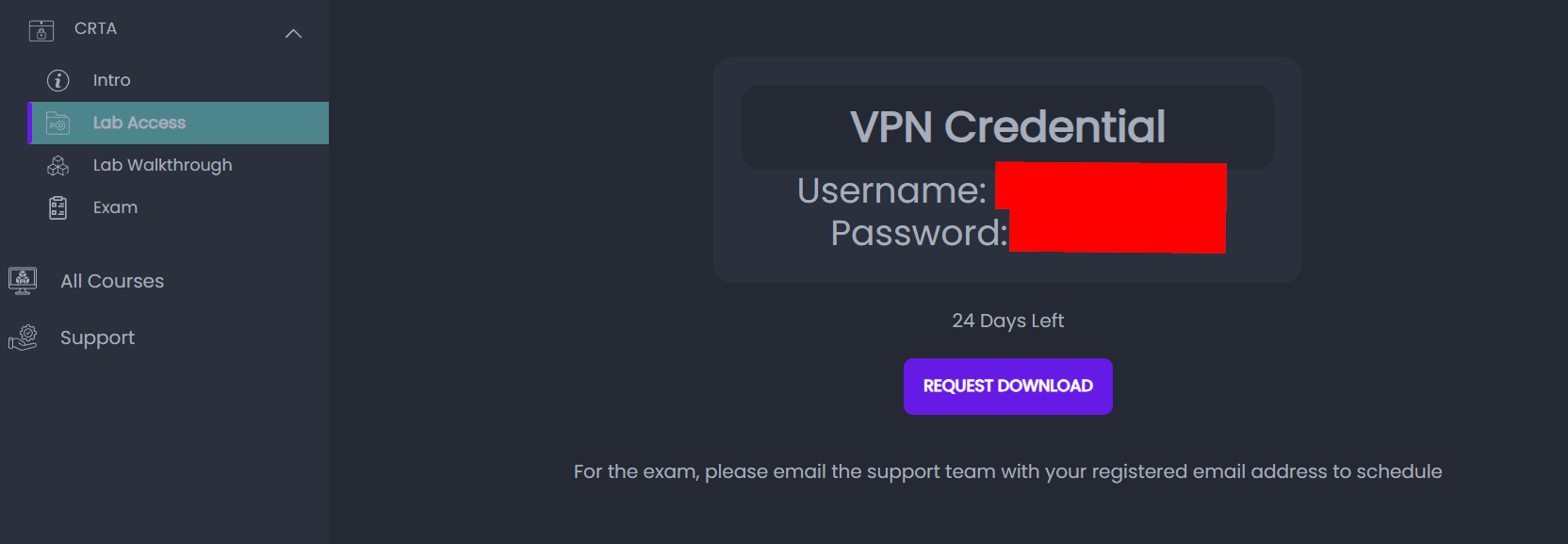
Activate lab access from the lab access page. You get a 30-day window once activated and connect via OpenVPN.
There are no flags to capture; work through the write-up and mark the lab complete. Once done, you can share the achievement on LinkedIn.
My experience with the lab was genuinely good. I learned how to pivot with ligolo-ng, enumerate an AD environment for low-hanging fruit using nxc (formerly CrackMapExec), forge a Golden Ticket to move laterally from a child domain to a parent domain, and fully compromise the parent domain. For anyone starting their Active Directory pentesting journey, this is a solid foundation.
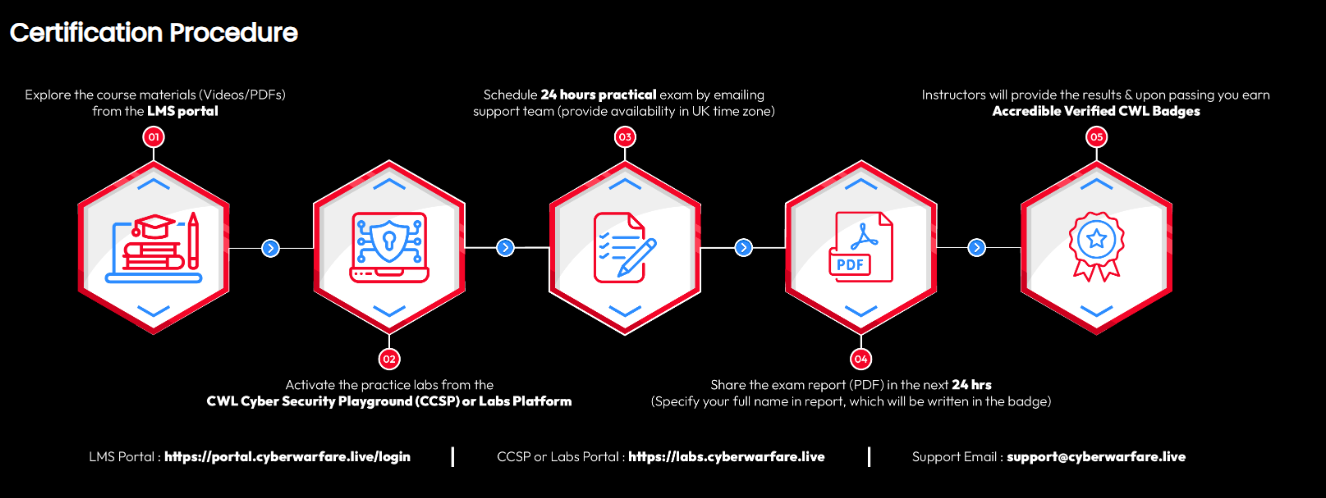
Like CCDA, the CRTA exam is scheduled by email: send your request to support@cyberwarfare.live from the same address used to purchase the course, with your preferred time in UK timezone.
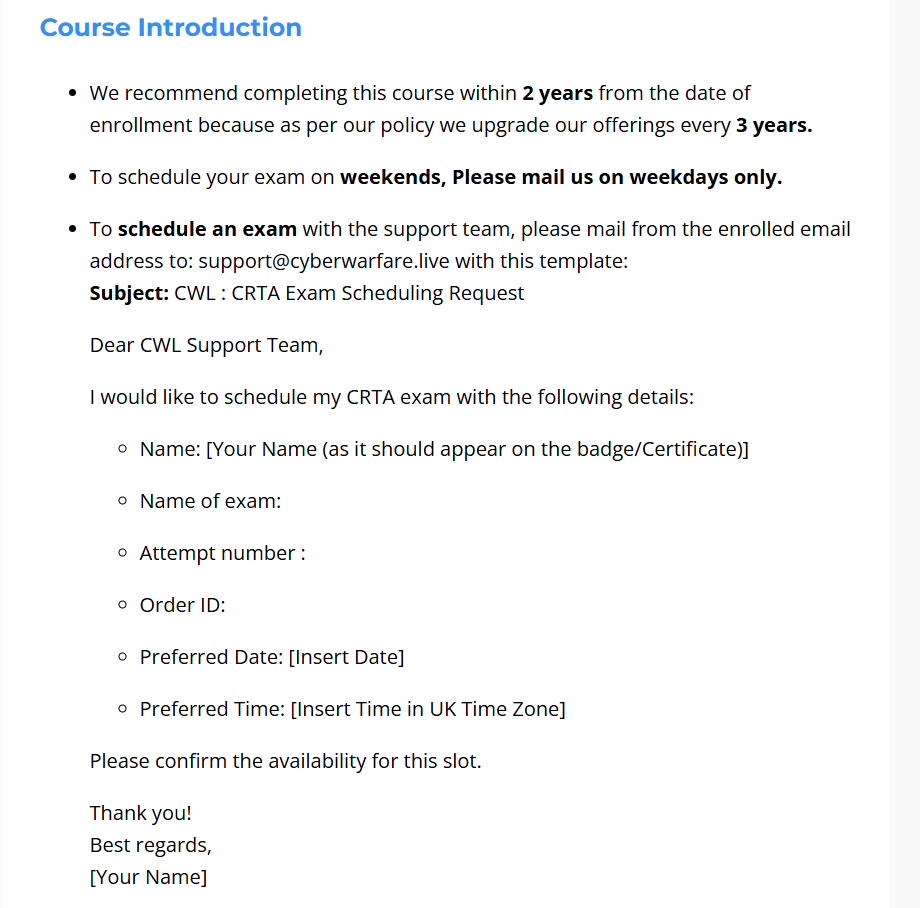
CyberWarFare Labs provides an email template directly: just fill in your date and time details and send it off.
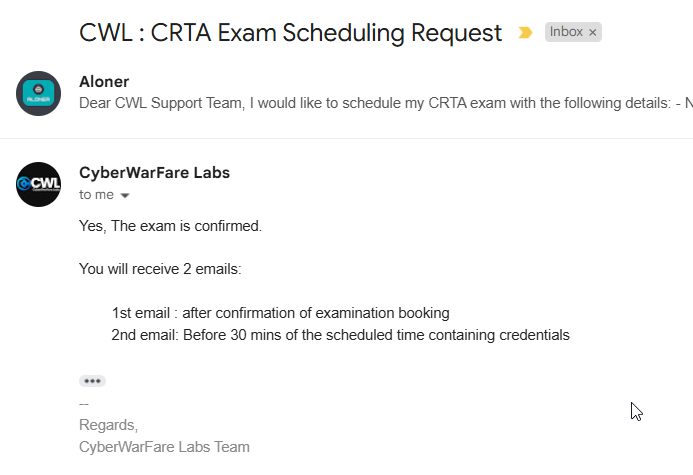
Once your schedule is confirmed, expect two more emails in addition to the reply:
- First email: sent with the confirmation reply; contains an exam overview with useful general information.
- Second email: sent shortly before the exam; contains the OpenVPN config, initial scope of engagement, exam objectives, VPN credentials, all requirements, and operational notes (such as the automatic revert schedule).
I connected via OpenVPN at my scheduled time with no technical issues. I applied everything from the lab and completed all exam objectives within 9 hours (with several breaks along the way). I then spent the rest of the day writing the report: I used the OSCP report template and documented every step from initial engagement to the final objective. Once I felt confident in it, I submitted by email.
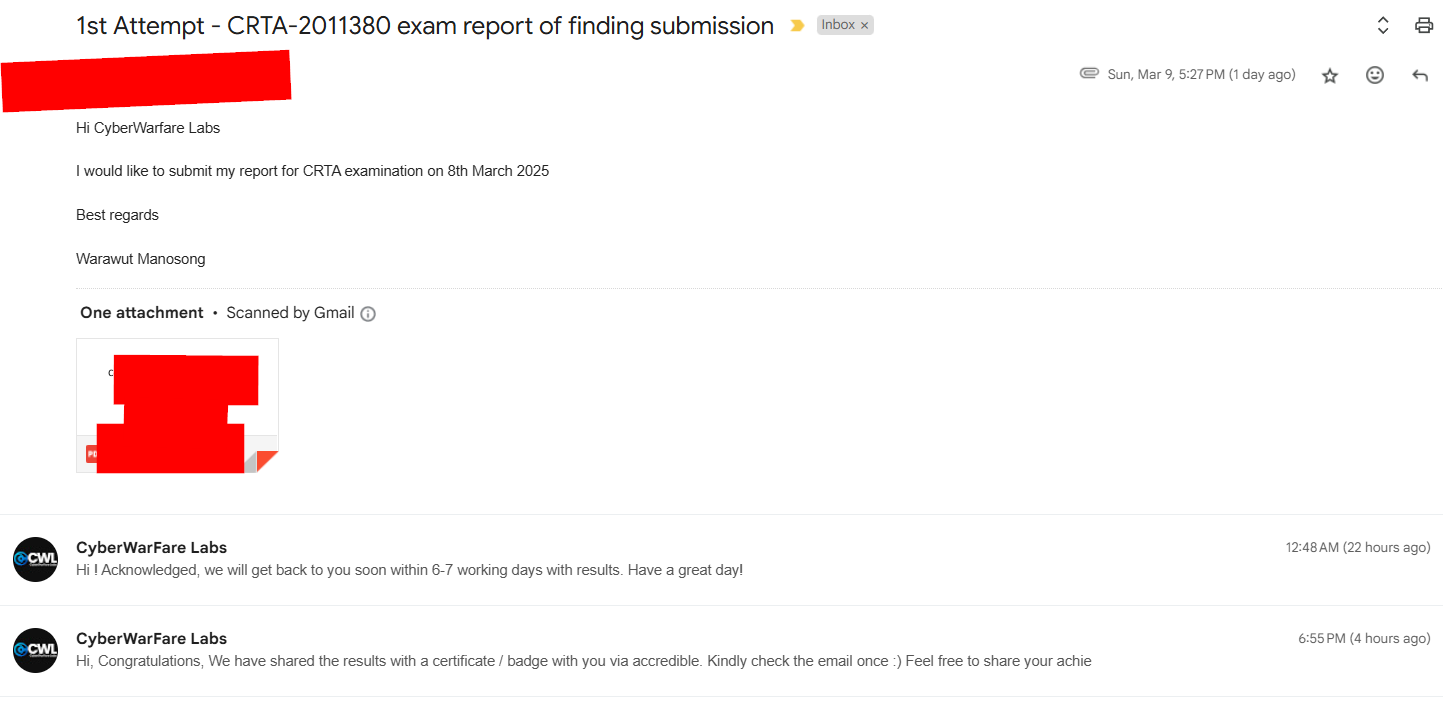
CyberWarFare Labs confirmed receipt of the report and noted they'd respond within 6–7 working days. In practice, they graded it much faster: I received my result the next day (a Monday, having submitted on Sunday). Fast turnaround.
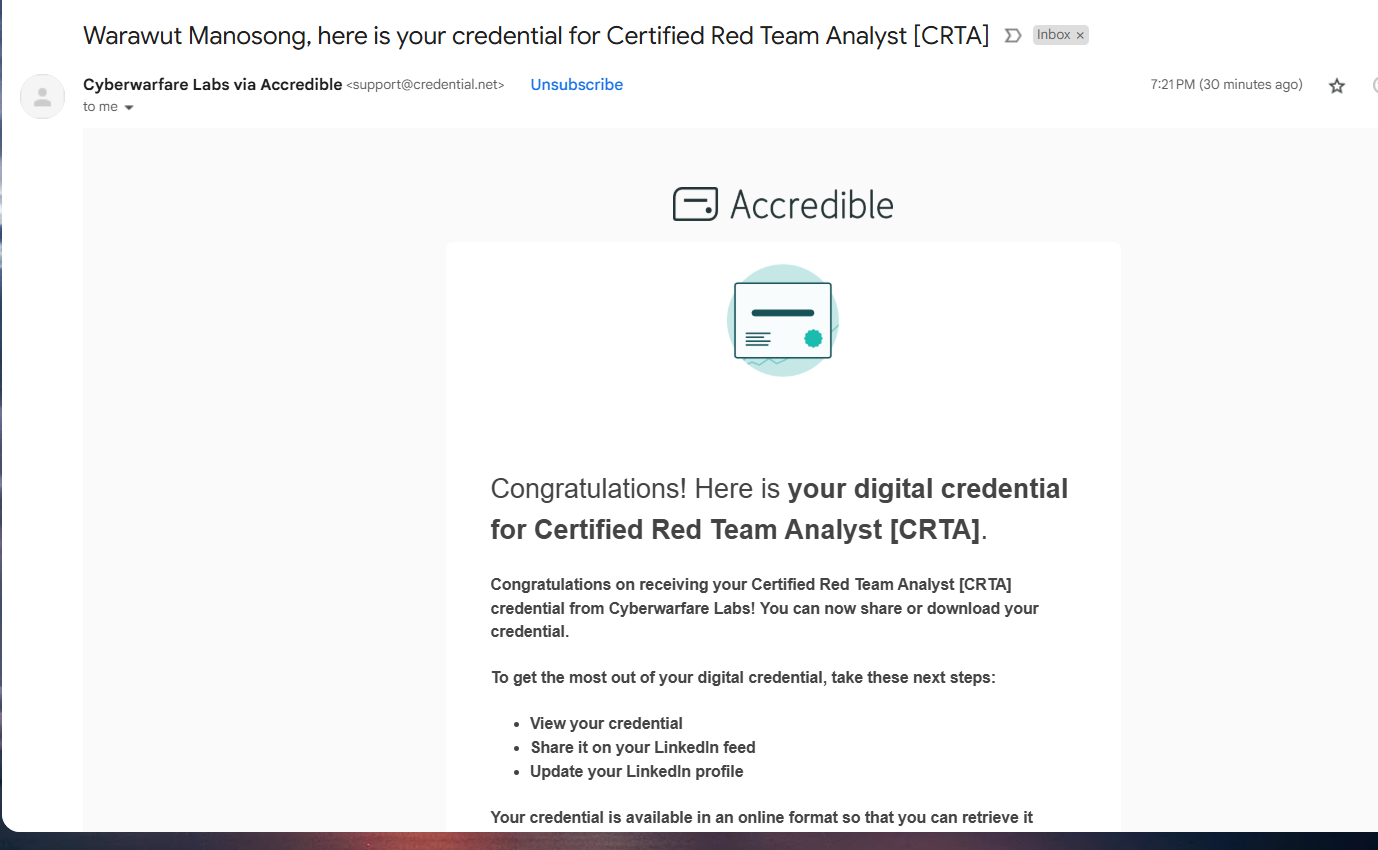
After the pass notification, I received one more email asking me to confirm my real name for the certificate. Everything was already correct, so no action was needed, and CyberWarFare Labs issued the badge and certificate through Accredible shortly after.
Here are the tips I'd pass on to anyone planning to take the exam:
- Enumeration is key: I know you've heard this before, but there's no getting around it.
- Don't fixate on a single exploit. There are multiple paths to initial access, so keep your options open.
- Get comfortable with port forwarding and pivoting: you'll need it.
- Brush up on Active Directory fundamentals. The exam requires you to compromise a domain, so grasp the core AD pentesting concepts.
- Work through the lab carefully, especially the child-to-parent domain lateral movement section: it is directly relevant to the exam.
- Rest. This is a 24-hour exam, and they expect you to take breaks.
- Document every step and command in your report. Treat it like an OSCP report.
If you're planning to take this exam, good luck on your journey! Thanks for reading. Peace out ✌