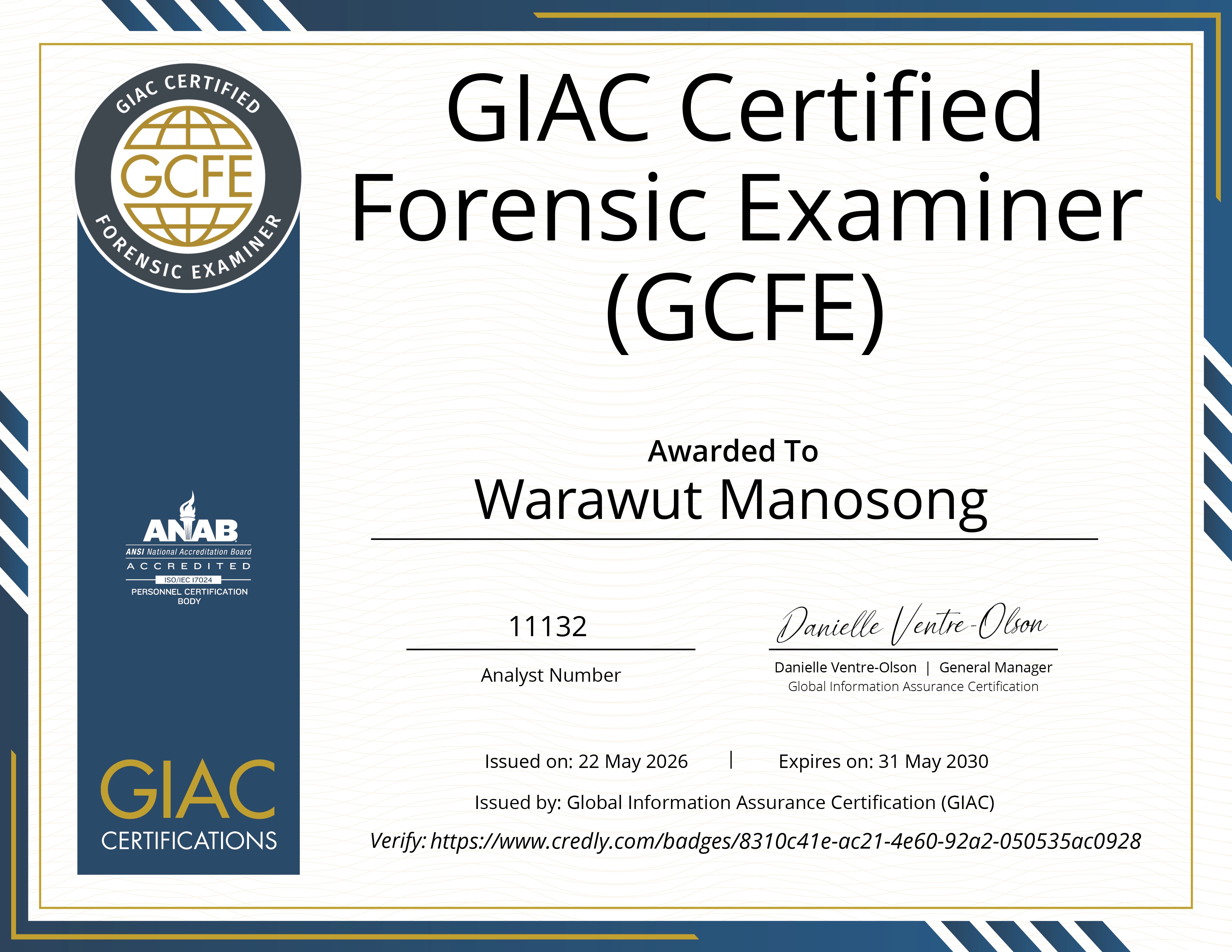
GIAC Certified Forensics Examiner (GCFE): My First GIAC Certification Review
Hello everyone, it's me Chicken0248 again, and this time I've finally taken my first step into the GIAC world with the GIAC Certified Forensics Examiner, or as most of us know it, GCFE.
This exam is focused on Windows Forensics, and candidates are recommended to take FOR500: Windows Forensics Analyst as the certification is based on that course. However, not everyone can afford SANS training. Their average price sits around $8,500–$8,900, which in Asia could cover a car or even several years of rent.
I didn't take the course for that obvious reason: I simply didn't have the money, and if I did, I'd buy a house first. 😄 With that said, I went into the exam relying entirely on three years of hands-on practice across platforms like TryHackMe, HackTheBox, CyberDefenders, Blue Team Labs Online, and others.
Honestly, when I first learned about the cost of GIAC certifications and SANS training, I gave up on them entirely. That changed when I met Mr. Jakawal Ongthongkum (Ten), the one of the GSE holder, who introduced me to Dr. Sorot Panichprecha, the another GSE holder and an Official SANS Instructor in Thailand for SEC504 and FOR508. That meeting is what set this journey in motion.
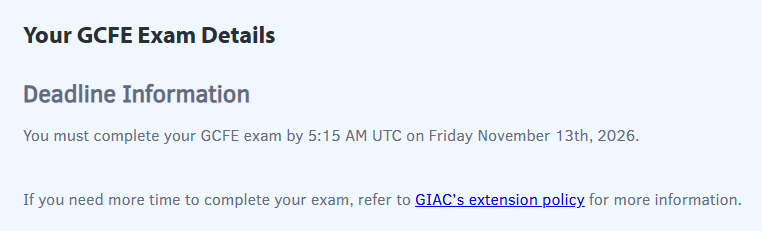
The GCFE exam was purchased on 13th May 2026, and I had 4 months before the voucher expired, but I had another plan, which you'll see in the next section.
If you're here looking for inspiration or guidance on how to prepare for this exam, welcome, I hope this review proves useful for your own journey.
To best prepare for the exam, you need to understand what it actually covers. As mentioned in the introduction, GCFE is focused on Windows Forensics, and the FOR500: Windows Forensics Analyst training is the ideal preparation path, but for those who can't afford it, myself included, there's still a way through. I crammed my way to a pass entirely on my own, and here's how.
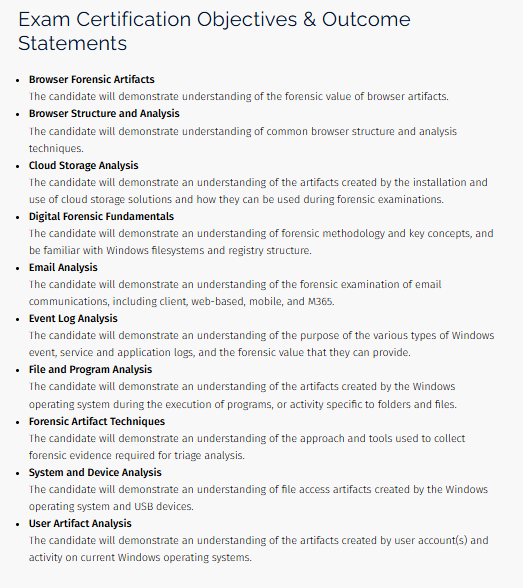
Before diving into preparation, let's take a look at the exam's certification objectives and outcome statements, which are publicly available on the GCFE exam information page. This is your roadmap, it tells you exactly which areas you need to study to pass. As you'll notice, the scope goes well beyond native Windows artifacts. Email clients, web-based and mobile email, Microsoft 365, cloud storage, and browsers are all included. Going in without knowing this could seriously risk your chances of passing, and with a first attempt costing $999 USD and a retake at $899 USD, that is not a risk worth taking.
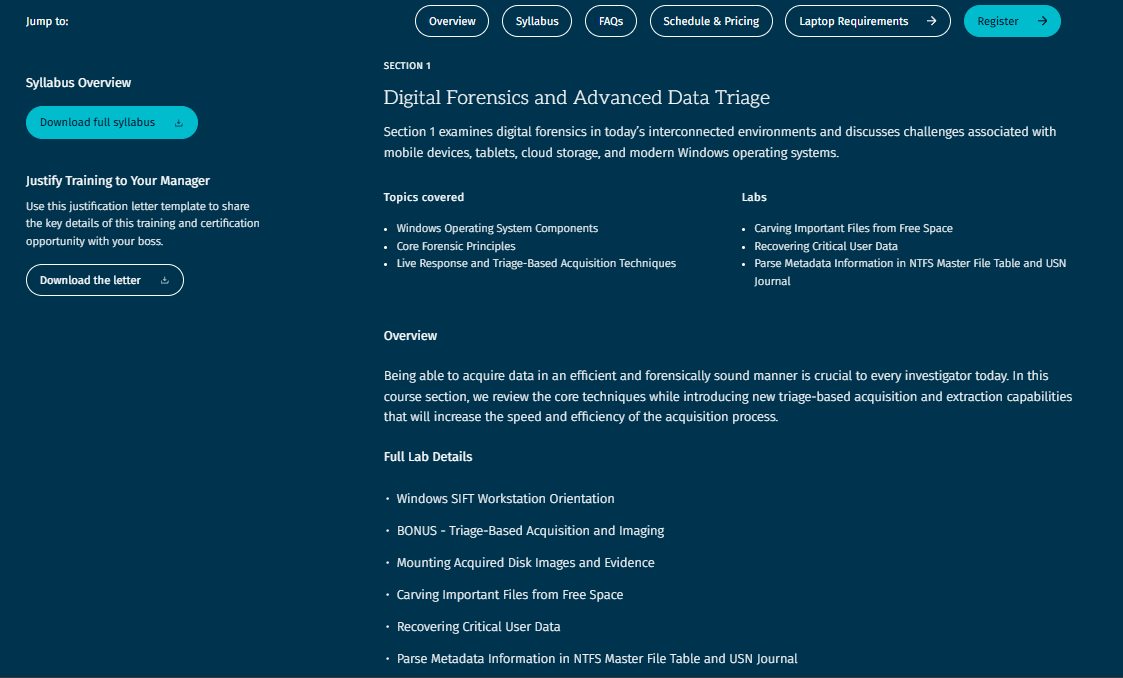
However, the certification objectives alone are not enough to tell us exactly what to study. We also need to visit the public page for FOR500. There, you'll find that the course is broken into 6 sections, though the 6th is a CTF exercise conducted only during live training, so we are effectively working with 5 core sections:
- Digital Forensics and Advanced Data Triage
- Registry Analysis, Application Execution, and Cloud Storage Forensics
- Shell Items and Removable Device Profiling
- Email Analysis, Windows Search, SRUM, and Event Logs
- Web Browser Forensics
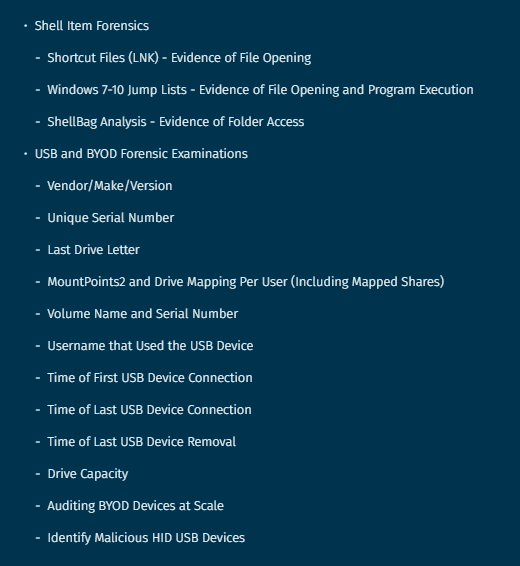
Each section has a "Full Topic Details" breakdown worth reading carefully. For example, the Shell Items and Removable Device Profiling section points you toward Shortcut Files (LNK), Windows 7–10 Jump Lists, ShellBag, and USB and BYOD Forensics. This breakdown is a powerful guide for building your study notes before heading into the exam.
Speaking of notes, GIAC works differently from CompTIA and EC-Council. You are actually allowed to bring printed paper materials into the exam and use them during the test. My best guess as to why is the sheer volume of knowledge required to pass. Since most of us don't have access to official SANS materials, this makes building your own comprehensive notes not just helpful, but essential.
Now, assuming your notes cover everything across all five sections, the next step is indexing. This is a powerful technique that comes from GIAC themselves. The idea is simple: you create a list of keywords or topics alongside the page numbers where that knowledge is covered, so you can jump directly to what you need during the exam rather than flipping through every page from start to finish. Personally, I created my notes using Notion, inserted a table of contents at the top, then printed them out, added page numbers, and marked each topic with a tab. This helped enormously during the actual exam.
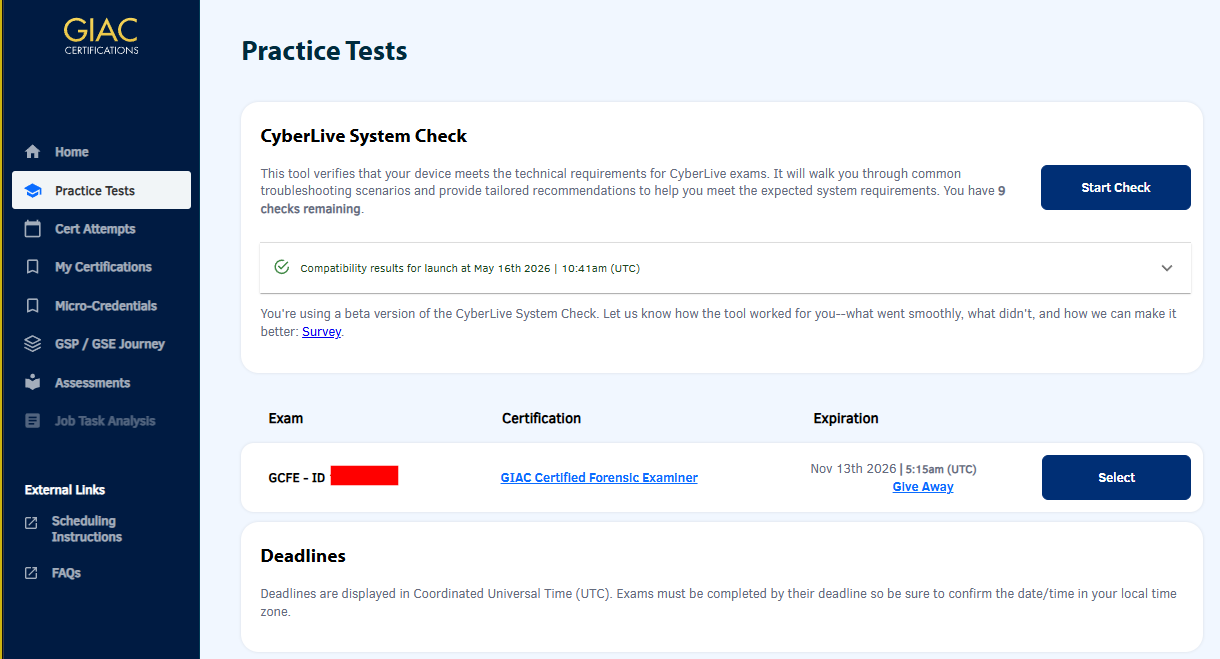
I also had access to practice tests, which came highly recommended. My friends who hold at least one GIAC certification, along with Ten, all told me that taking the practice tests is essential for getting familiar with the exam environment and building confidence. Since this was my first GIAC certification, I wasn't confident at all, despite everyone around me insisting I was over-qualified and would pass easily. The practice tests gave me a way to gauge my actual readiness and, more importantly, helped me walk into the real exam with confidence restored.
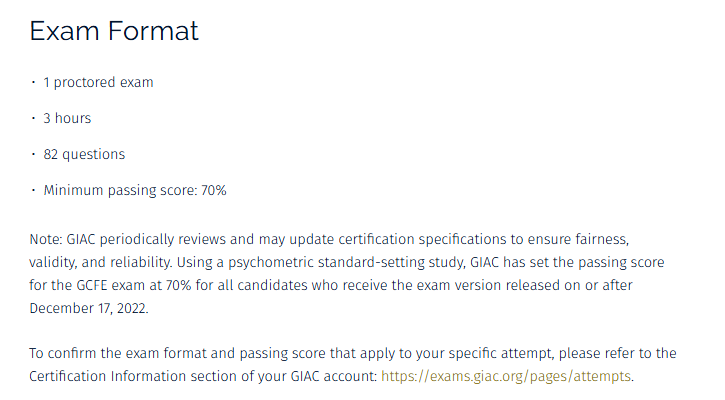
The practice test mirrors the actual exam closely, with the same number of questions and the same time limit, though without a proctor. One setting worth knowing about is the answer reveal option. By default, the practice test only shows the correct answer for questions you got wrong, meaning that if you guessed correctly, you receive no explanation for why that answer was right. To get the most out of the practice test, change the setting so that correct answers are revealed for every question regardless of your selection. This is especially important if you're preparing without official SANS materials. Whenever you come across a topic not yet in your notes, take the time to add it. Just be careful not to copy the questions or answer choices themselves, as this is strictly prohibited.
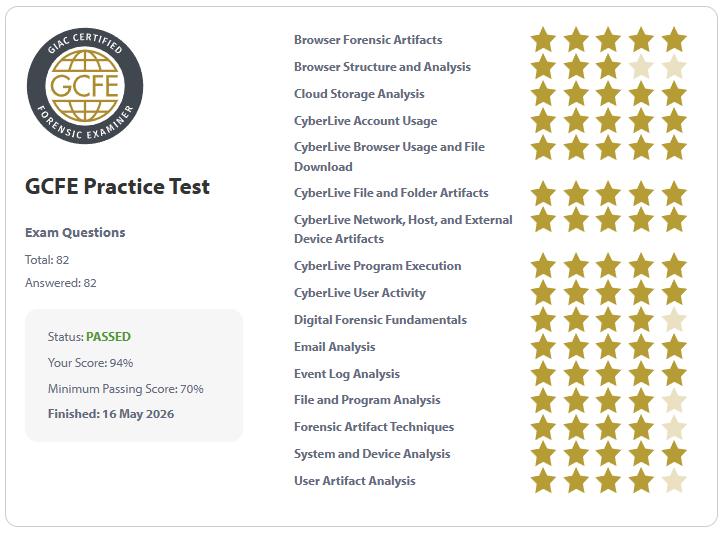
During my practice test, I went through each question one by one without skipping any, and finished all 82 questions in 1 hour and 10 minutes with a score of 94%. That was a massive confidence boost. After adding the knowledge gaps I discovered during the practice test into my notes, I felt ready to schedule the actual exam.
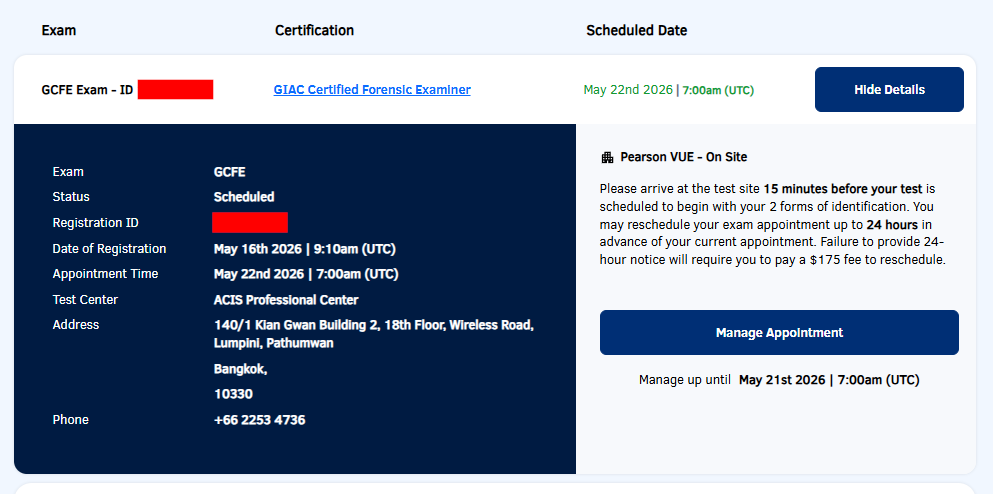
After acing the practice test, I scheduled the exam on the same day. I asked Ten for advice on how to pick the best exam center, and he told me he had only ever used one: ACIS Professional Center. He recommended it because they are familiar with GIAC exam takers and already know that candidates are allowed to bring paper materials in. The internet connection is solid as well.
I booked my exam for May 22nd, 2026, on a workday. My plan was to finish work in the morning and head to the exam center at noon.
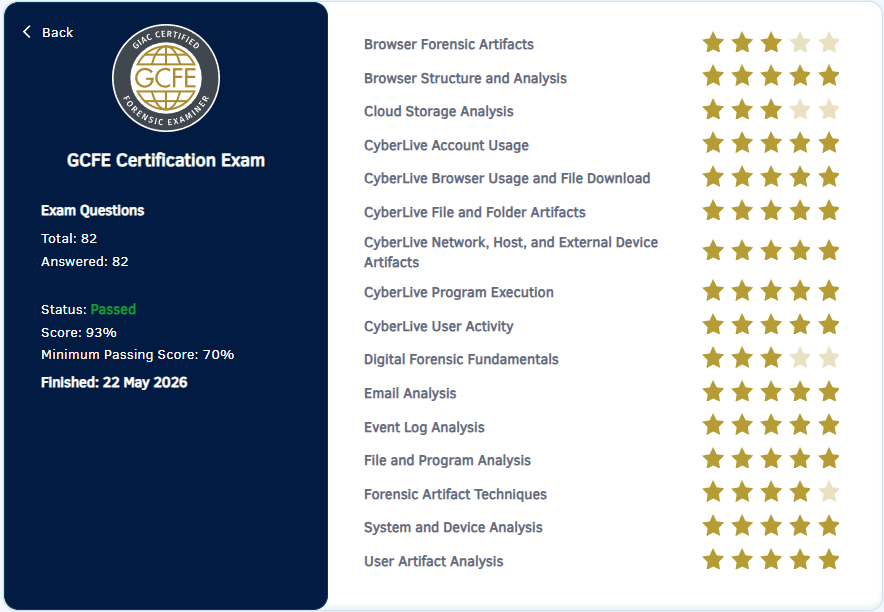
The exam went mostly smoothly. I did come across several questions that were not covered in my notes, so I skipped them initially, answered everything else first, and then came back to make my best reasonable guesses. Going in, I expected to land below 90% because of those gaps, but I ended up scoring 93%. Many questions I could answer straight from experience, while others had me reaching for my notes. Overall, it was a challenging and thoroughly well-designed exam that truly tests your knowledge and absolutely lives up to its reputation.
As for the CyberLive portion, full marks are very achievable as long as you read each question carefully and make sure your output matches exactly what is being asked.
One additional point worth emphasizing: you need to understand how each forensic artifact works, when it was introduced and across which Windows versions (XP, Vista, 7, 10, 11), and what its forensic implications are. This matters because digital forensics is a discipline built on facts, every conclusion you present must be supported by evidence, and knowing the context and history of each artifact is what allows you to do that with confidence.
That's all for this review. To everyone preparing for the GCFE, I hope this gave you something useful to take away, and I wish you all the best on your exam. You've got this. 💪