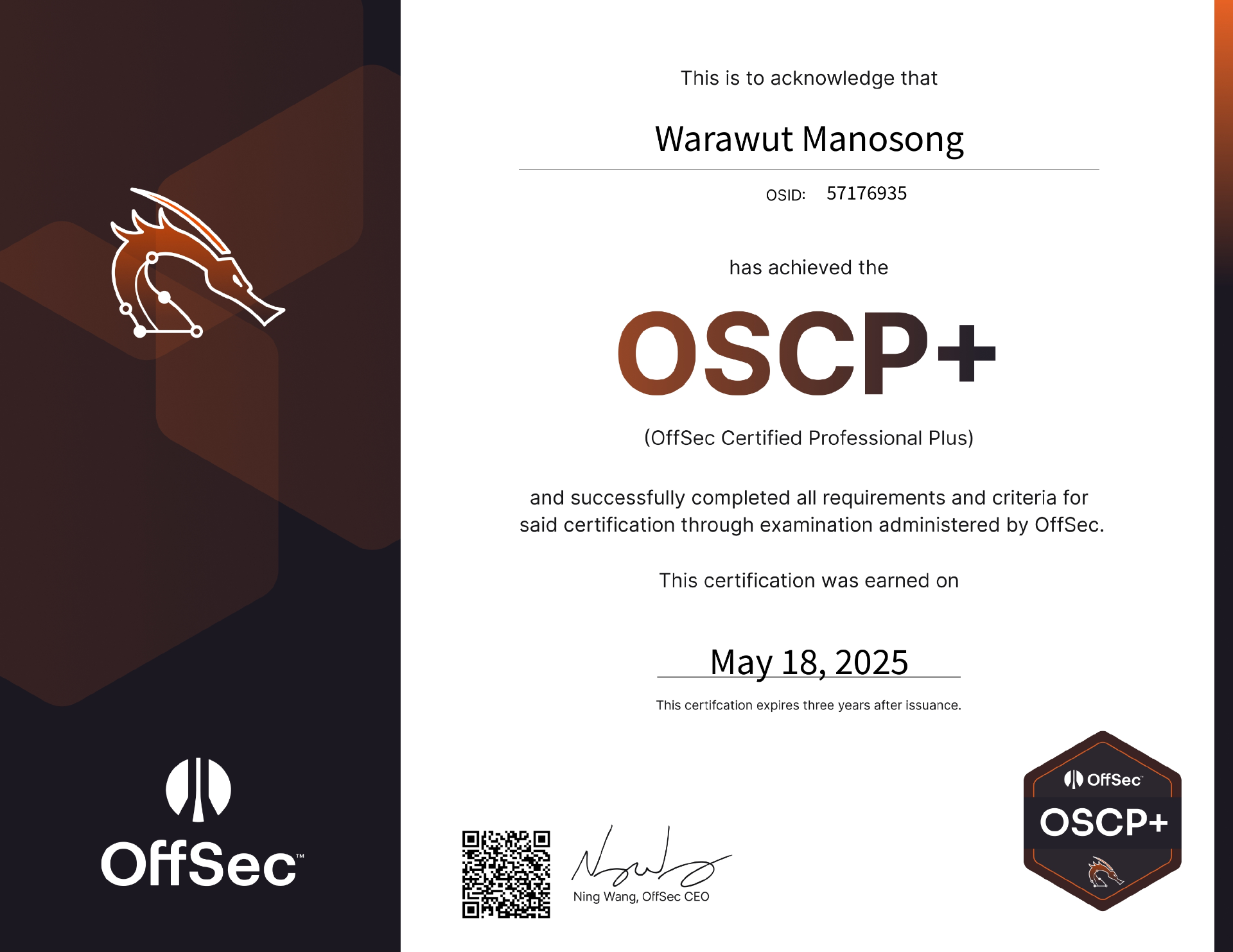
Passed OSCP+ as a Blue Teamer — What It Took?
OffSec's OSCP is the minimum required certification for pentesting government systems in Thailand: including banking. Pentesting firms bidding on government contracts must have a certain number of OSCP-certified staff, so many companies sponsor their junior employees to meet the quota. Some firms run 20+ certified personnel just to stay eligible for e-bidding. This makes OSCP both a professional standard and a pricing lever, and as OffSec likes to say, they "continue to add value to the cybersecurity community." The most noticeable value? The price keeps increasing every year.
As a blue teamer working primarily as a GRC analyst, I had no personal reason to pursue OSCP, until 2024. I received an invitation from the National Intelligence Agency to participate in a private CTF, where the top 15 contestants would be awarded an OSCP bootcamp with PEN-200 course & cert exam bundle. I placed in the top 15, received the package, and suddenly had 3 months of lab access and an exam slot. The catch: I spent most of those months working on other certifications, leaving me roughly one month of real preparation before the exam.
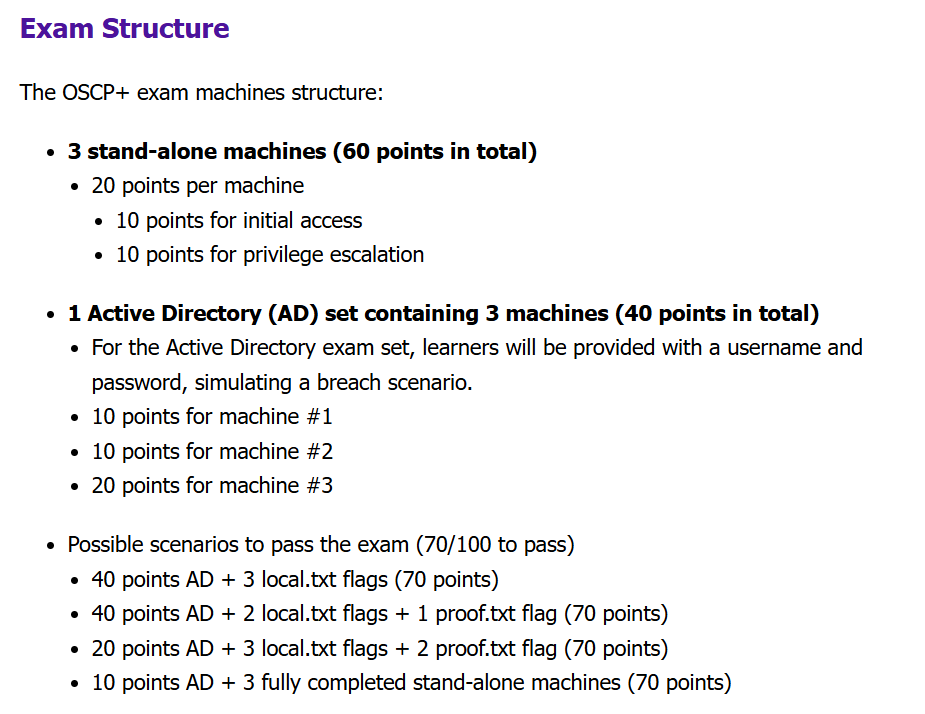
In November 2024, OffSec updated the OSCP exam and rebranded it as OSCP+, a time-limited certification that expires every 3 years and can be renewed via the OffSec CPE program or by passing a same-level or higher OffSec exam. The key exam change: the Active Directory set now uses an assumed breach scenario. You're given initial credentials rather than needing to crack an entry point from scratch, and you no longer need to fully compromise the domain to earn the AD points: each machine in the set can be scored independently.
This change removed the biggest frustration point in the old format (gaining foothold on the first AD machine) and made the AD set a far more enjoyable starting section.

When you purchase the OffSec Course & Cert Exam Bundle, you receive 90 days of lab access, followed by a 120-day window to book your exam, giving you up to 7 months total from purchase to exam if you plan carefully.
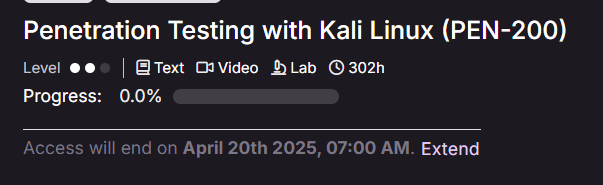
Our bootcamp cohort started on 20 January 2025, meaning lab access expired on 20 April 2025. I attended the 7-day bootcamp, then spent the next two months on other certifications, leaving me a single month to actually prepare.
Then my laptop (a 6-year-old machine that had been with me since freshman year) died on me in March, right after my HTB CDSA exam. R.I.P. With no personal machine, I was forced to practice using the provided Kali Linux on Proving Ground Practice for OffSec labs and Pwnbox for HackTheBox. Not ideal, but workable.
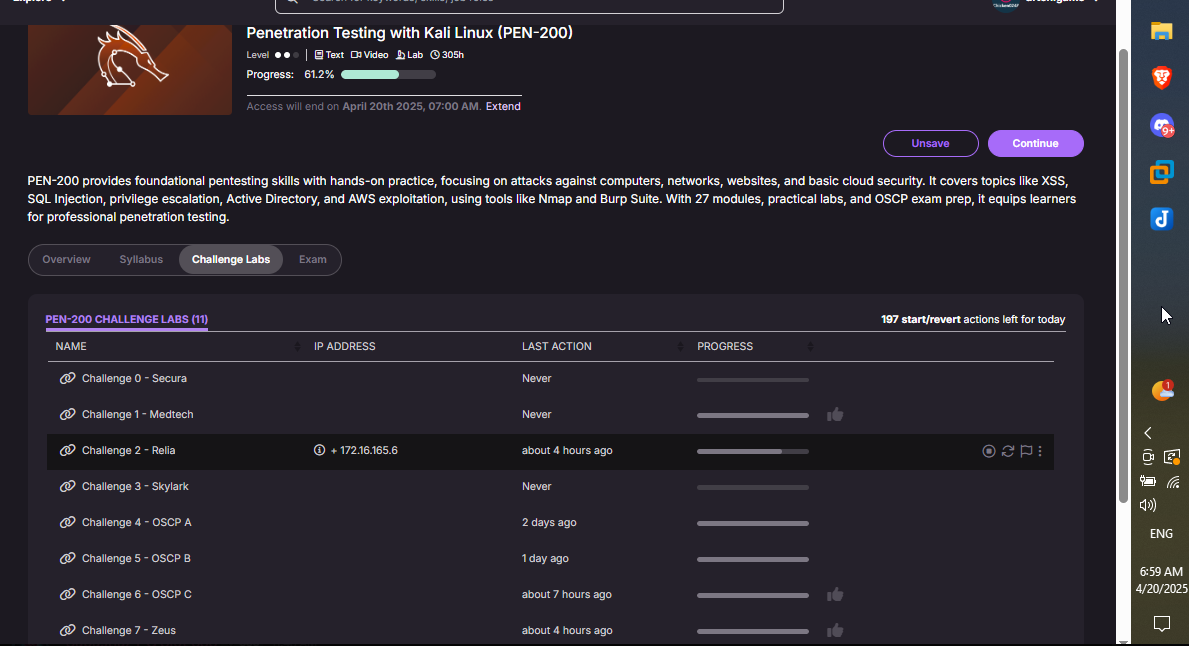
Fortunately, I was able to go home during Songkran holiday (13–16 April), where my dad had a new laptop waiting for me. I could start the challenge labs again from 17 April, 3 days before expiry. In those 3 days I rushed through OSCP A, B, C, Zeus, and Relia (I didn't finish Relia), but completing A, B, and C was the most valuable part: I learned to use Ligolo-ng for tunneling, how to compromise a domain controller, which file transfer techniques work inside a tunneled network, and which tools break when routed through a pivot.
Experienced pentesters will say the challenge labs are a poor representation of the exam, and that's partially true. But for inexperienced learners, they're still a valuable hands-on exercise, especially now that OffSec updated them to match the assumed breach format.
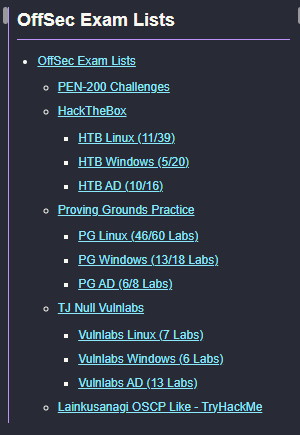
For external practice, I combined two machine lists:
- TJ Null's NetSecFocus Trophy Room, the classic OSCP-prep list, though many consider it too complex for what the actual exam tests.
- LainKusanagi's OSCP-like list, a refined version that removes machines that are too hard for OSCP scope and keeps what's most relevant.
I used both together to maximise exposure to different service types and exploitation techniques. The goal wasn't just to capture flags: it was to encounter as many different scenarios as possible before the exam.
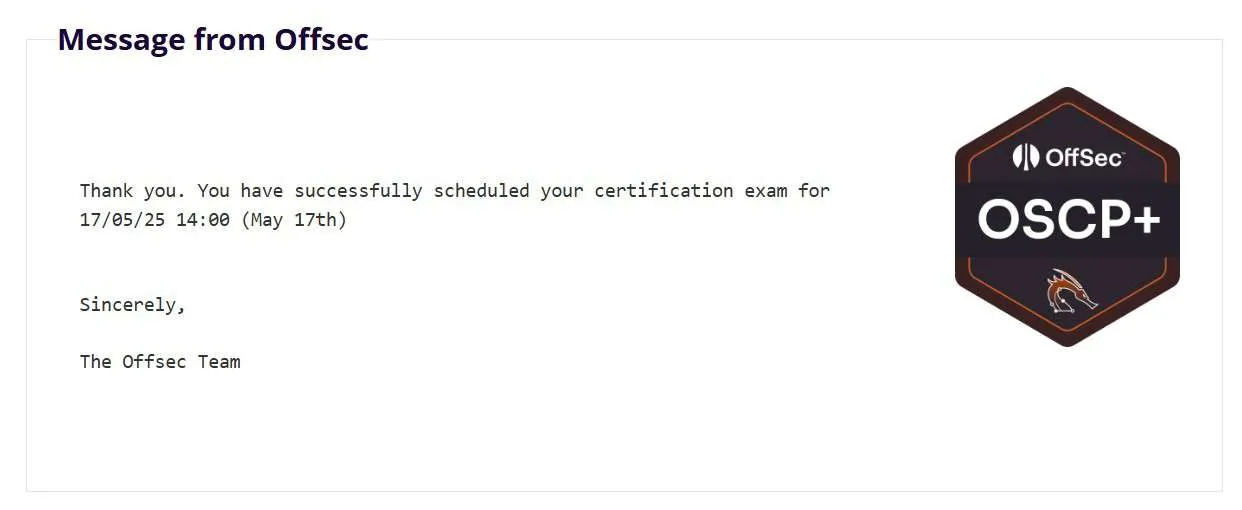
I booked my exam for 17 May 2025, which turned out to be my dad's birthday. He sent me money to go eat my favourite food, so I went into the exam well fed, well rested, and with a clear head.
Exam Timeline
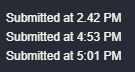
A few things I noticed during the exam that I'd underestimated beforehand:
- Breaks are not optional. Every time I stepped away from a stuck machine and came back, I found something I'd missed. The problem isn't always knowledge: it's noise. Fresh eyes remove the clutter.
- Knowing when to move on matters. Some machines have more rabbit holes than others. Recognising when you've exhausted reasonable avenues on one machine and switching to another is a skill in itself.
- Take that VM snapshot. I took a snapshot before shutting down for sleep, which preserved my environment exactly as it was post-exploitation. This made the report writing the next day significantly easier and faster.
- Do not update & upgrade your Kali machine before exam day. It will likely break something: tools, scripts, dependencies. Freeze your environment before the exam.
- If you're running Python exploit scripts, use a virtual environment. System Python conflicts will waste your time at the worst moments.
- Take a snapshot of your best working environment before the exam starts. Suspend can fail; a snapshot won't.
- Take a snapshot after the exam before shutting down. Your post-exploitation environment is your report source: don't lose it.
- Use separate terminal tabs or tmux panes per machine: 3 tabs for the AD set, 3 per standalone. Context switching between machines without losing your terminal state is crucial.
- If you have challenge lab access, do OSCP A, B, C at minimum. Learn which tools break through a tunnel, how to pivot with Ligolo-ng, and how to transfer large files across a tunneled network. These lessons don't come from reading: they come from doing.
- Don't use labs just to capture flags. Try different tools to achieve the same result. Practice what you'd do if your primary tool fails in the exam, because it might.
- Track your time on stuck problems. If you've spent more time than feels reasonable on one machine, rest and come back with a clear head. Mental fatigue is a progress multiplier in the wrong direction.
- Scan all ports at least twice. A missed open port can cost you hours. Re-run your scans with different flags or timing options to cross-validate.
- Initial access is the hardest part. It requires thorough enumeration and sometimes a calculated guess. Once you're in, privilege escalation is usually far more approachable.
- Keep two notes per machine: one for everything that led to success (commands, steps, exact output), and one for what you tried, what you found, and what didn't work. The second note is your sanity check when you circle back.
- Learn to research on the fly. Your notes won't cover everything. Being able to quickly find and evaluate the right information for an unfamiliar service or vulnerability is more valuable than memorising techniques.
- Sleep. The exam is 24 hours for a reason.
- Drink water. Eat proper food. No, seriously.
Is OSCP Worth It?
If someone is paying for you: do it. The HR value and the learning opportunity are both real, and in markets like Thailand where OSCP is a government contracting requirement, having it opens doors nothing else does. If you're paying out of pocket, think hard: at $1,749 USD, this is not a casual purchase. The exam is not impossible or otherworldly, the old saying still holds: "enumeration is the key." But the price-to-learning ratio has cheaper alternatives that will teach you much of the same methodology.
That's it for my OSCP review. Peace~ ✌️